
How to Add a Store to a Funnel
Ecommerce stores on websites give your customers a free-flowing experience that can sometimes get them lost. However, managing your stores within Funnels eliminates choice overload, guides your customers to avoid wasted spend, and uses a step-by-step breakdown to identify and fix specific weak points in your stores. Let’s learn how to add them!
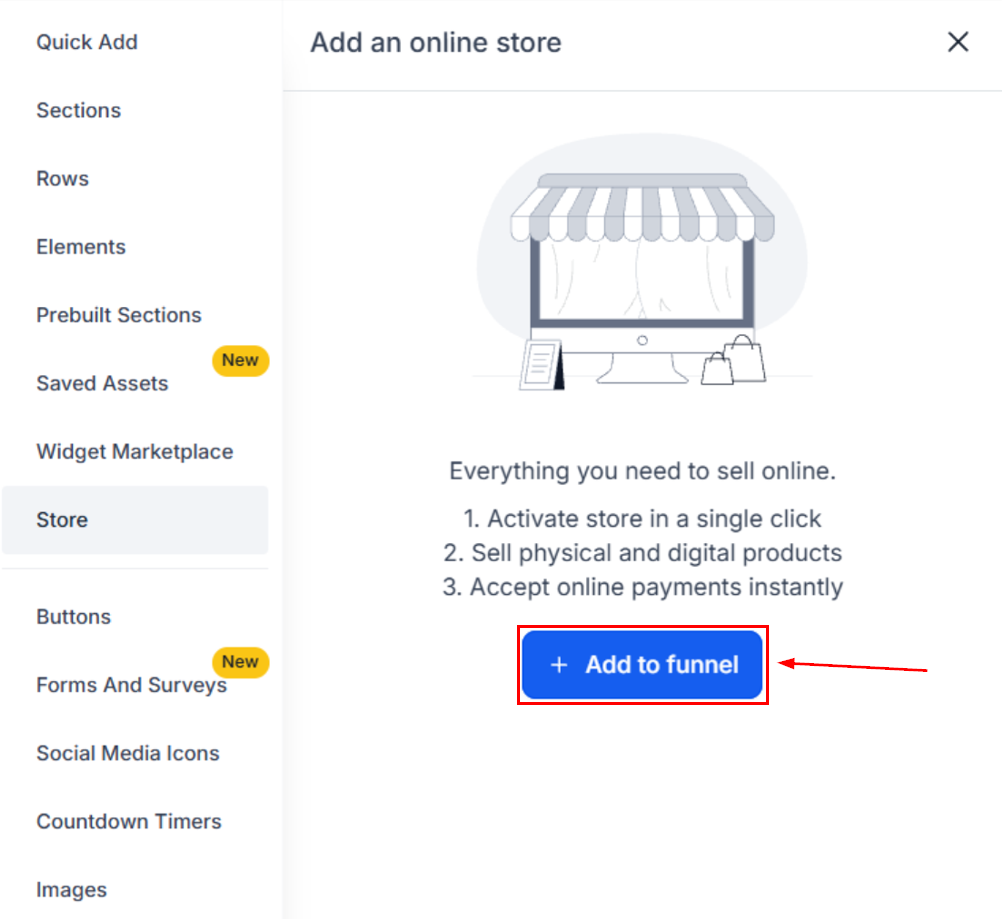
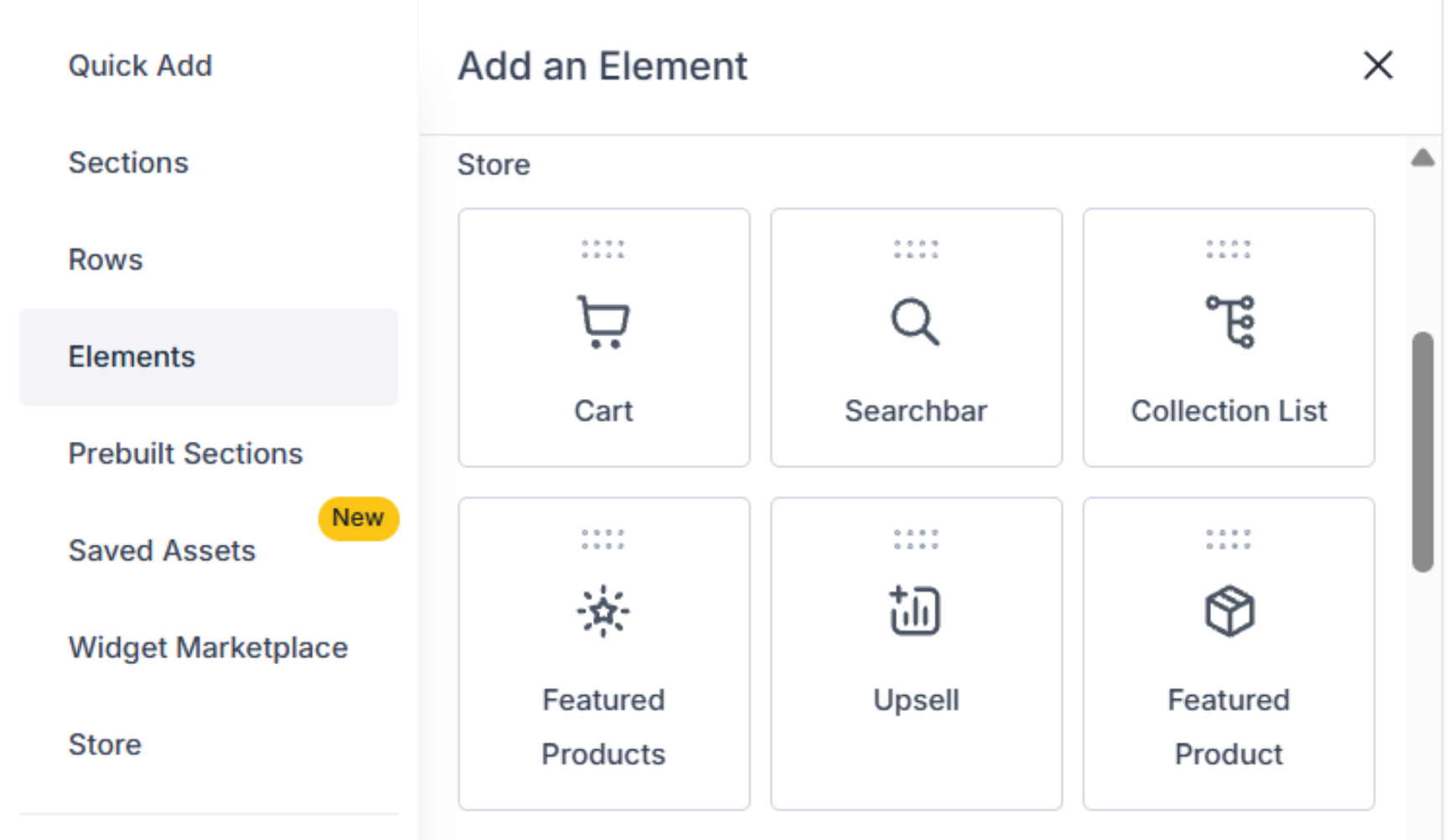
Open a Funnel and add a Store from the Store section, or add a Store element directly to any Funnel step.
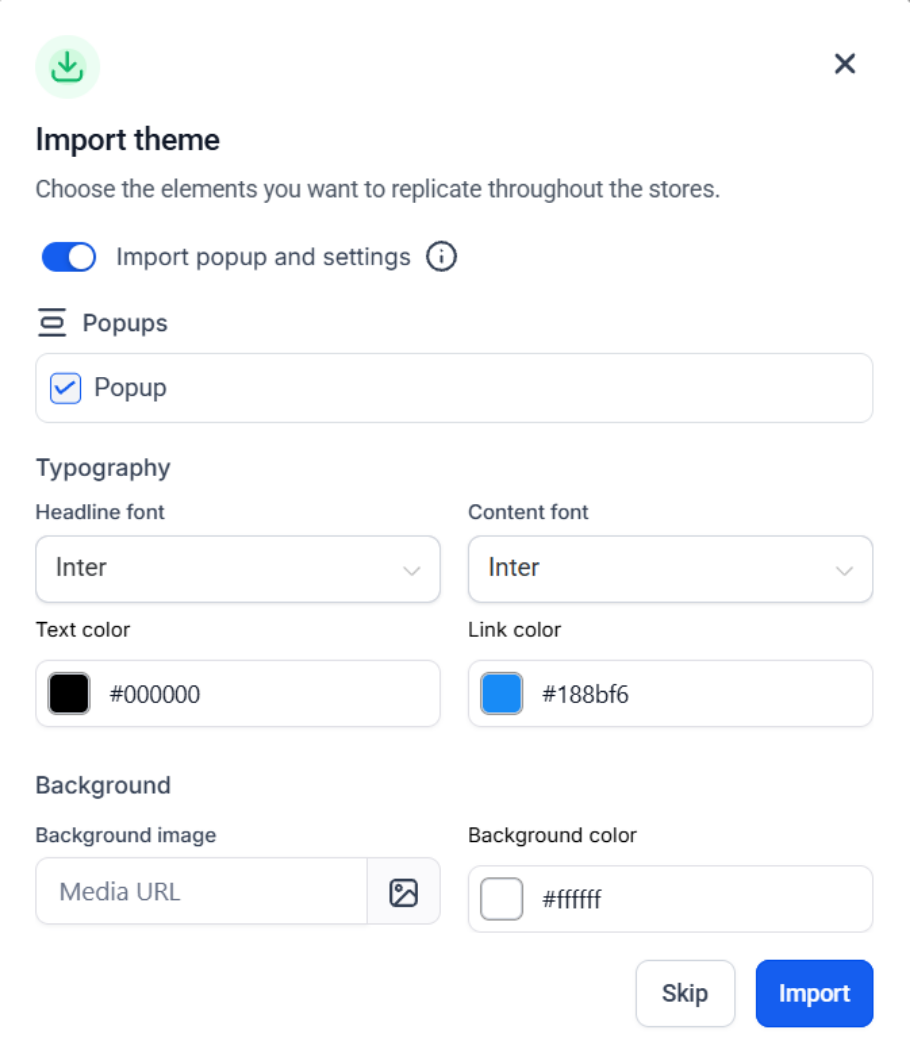
Select a theme and configure the store setup when prompted.
Use the Store Products tab to manage product visibility and priority.
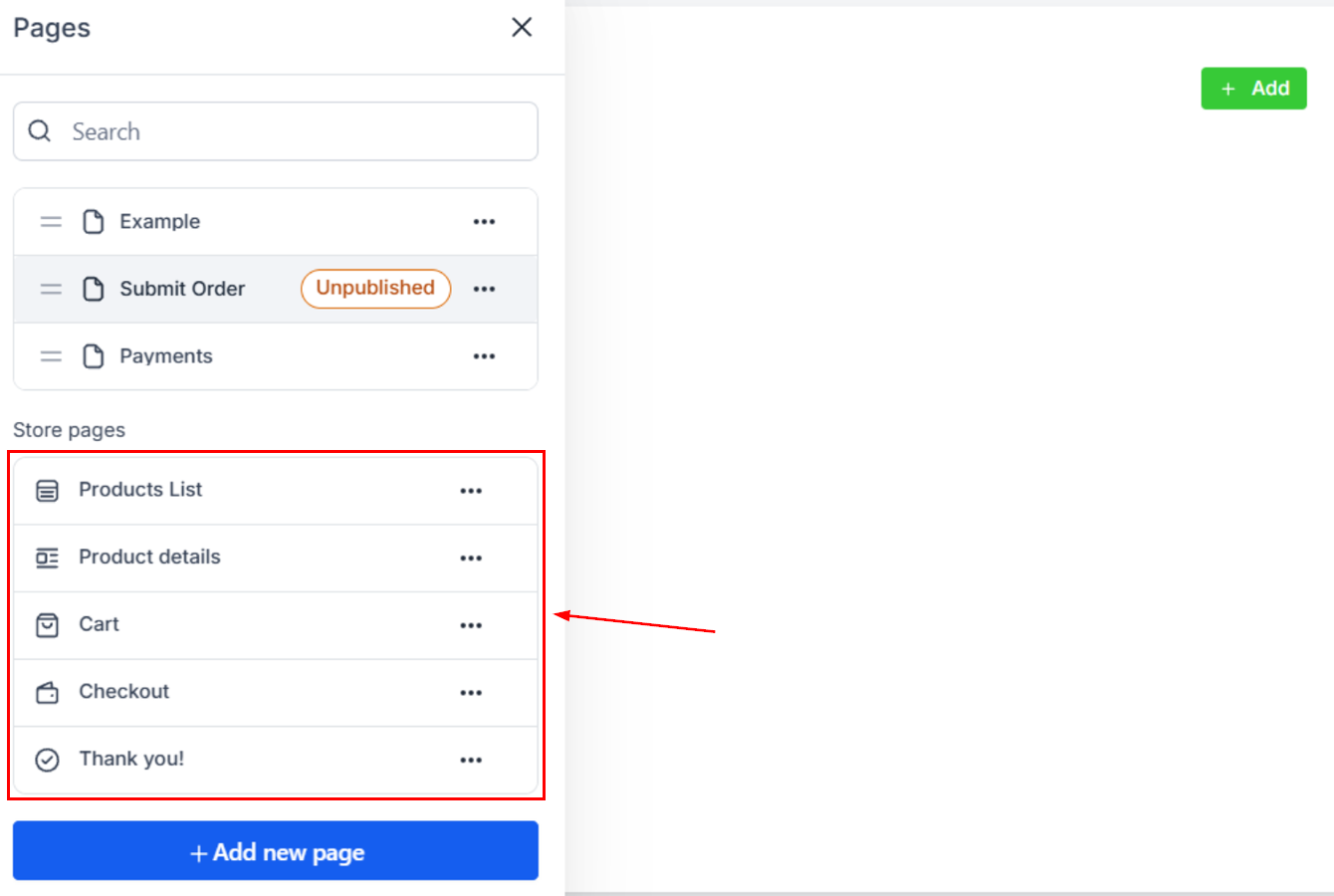
Customize the generated store pages and publish your Funnel.
Using a sales funnel for an e-commerce store replaces the traditional chaotic storefront with a guided path that maximizes revenue and minimizes distractions, which you can now easily do from the comfort of your CRM. We hope you enjoy it!