
Sections
Building a funnel starts with a solid foundation, and that foundation begins with creating and organizing sections. The funnel builder provides a user-friendly interface to help you design pages that guide your audience seamlessly toward your goal. This guide will walk you through the basics of adding and managing sections, as well as customizing them to fit your needs.
To begin, navigate to the Sites section of your CRM and create a new funnel or website from scratch.

Add Section
Open the Funnel Builder from your CRM dashboard. Click on the "+" button, then select the Section option at the top left side of the page. Select your preferred section type: Full Width, Wide, Medium, or Small. Drag and drop the chosen section type into the center of the page to begin designing.

📌NOTE: The number of sections you can add to the building area is limitless, allowing for endless customization options.
General Settings
Once you’ve added a section, you can further customize it using the General Settings.
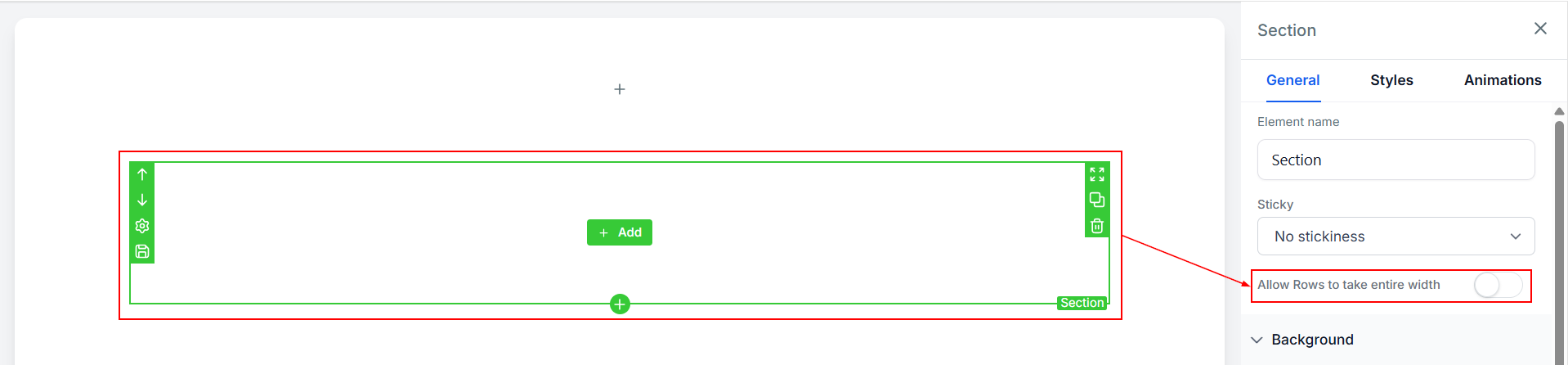
Allow Row to Take the Entire Width: Toggle this option to expand a row to fill the entire section, creating a seamless, full-width design.
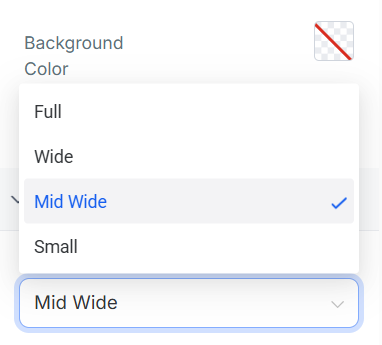
Width: Adjust the section width by selecting from options like Full, Wide, Mid-Wide, or Small. This allows you to fine-tune the layout to match your design vision.
Advanced Settings
For even more control, explore the Styles and Animations settings.
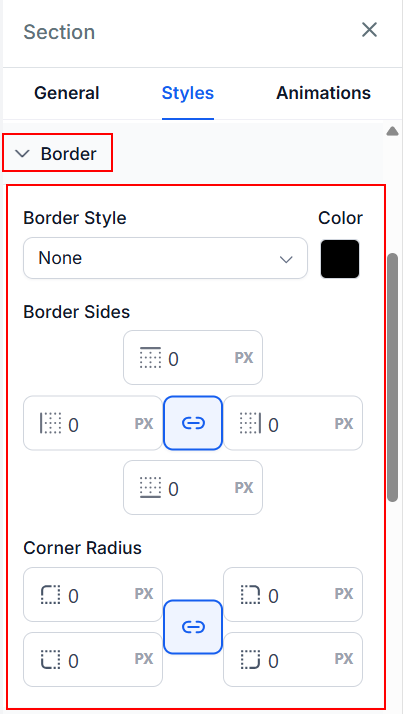
Styles: Customize the section border by choosing from options like solid, dashed, dotted, or inset, selecting a border color, and adjusting how the border sides and corner radius should be displayed.
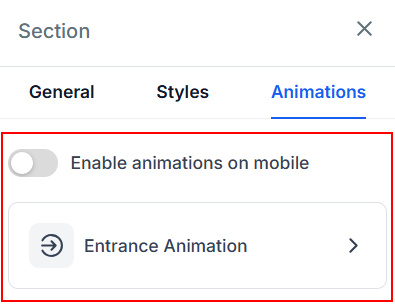
Animations: In the animations area, you can configure how you want the section to appear when the site is opened on a desktop device and optionally, toggle the switch to enable the animation on mobile devices as well.
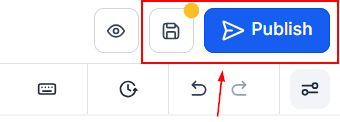
Remember to Save and Publish to apply the settings.
Creating sections is the first step in building a funnel, and it sets the stage for everything that follows. By mastering the basics of adding, managing, and customizing sections, you’ll have a strong foundation to design funnel pages that are both functional and visually appealing.