
Managing Invoices, Estimates, and Contracts in the Client Portal
The Client Portal provides clients with a centralized place to access important business information and manage key interactions. Among the available sections are Invoices, Estimates, and Contracts, which support different stages of the client relationship, from reviewing proposed work to handling billing and accessing agreements.
Overview of the Invoices, Estimates, and Contracts Sections
Invoices
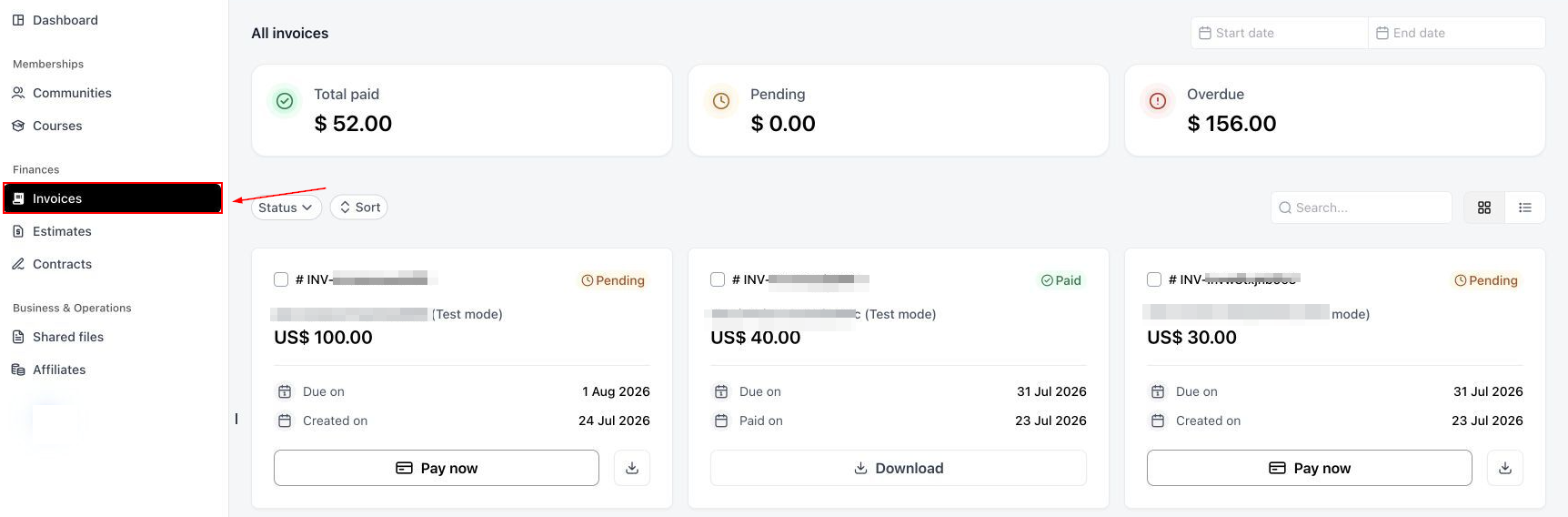
The Invoices section provides clients with a dedicated place to access their invoices.
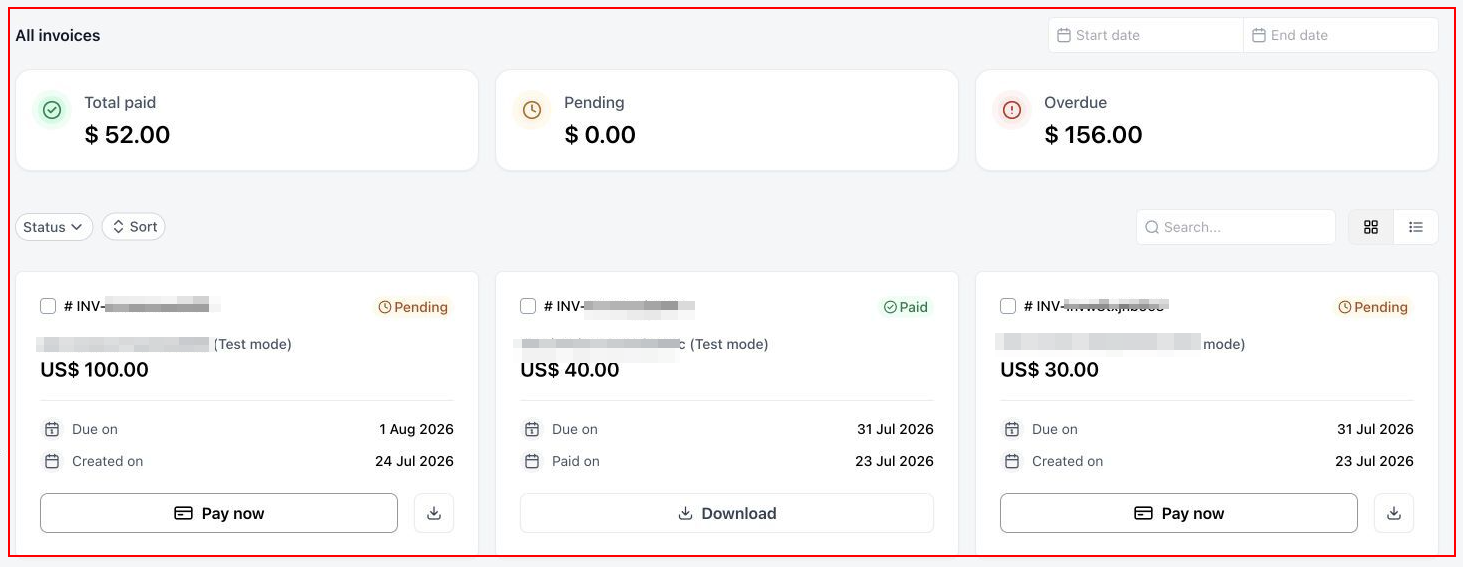
Pending and overdue invoices are highlighted using orange and red icons, making outstanding billing items easier to identify when clients access their account.
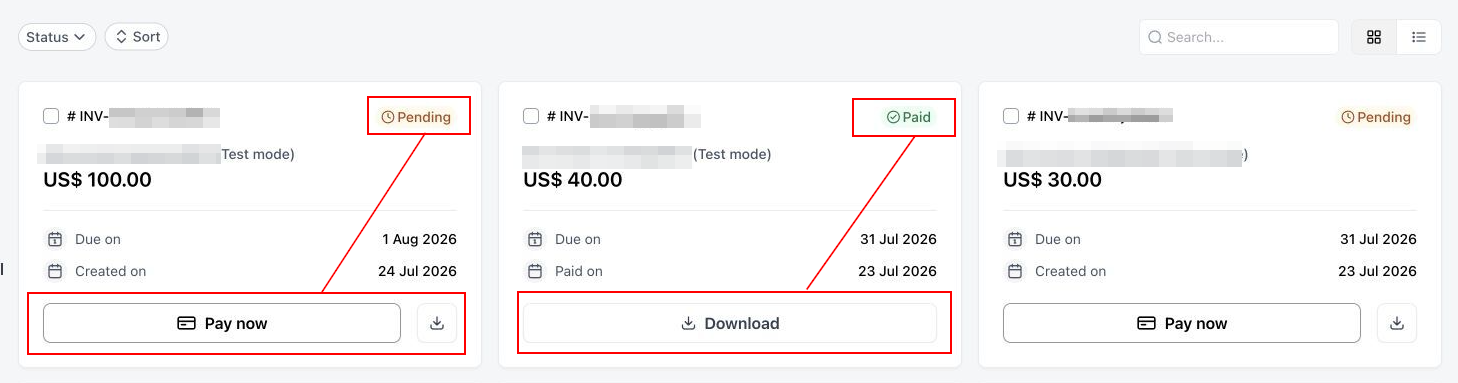
When a client is ready to complete payment, they can click the “Pay Now” button. Successful transactions can be identified using a “Paid” indicator and can be downloaded for offline access.
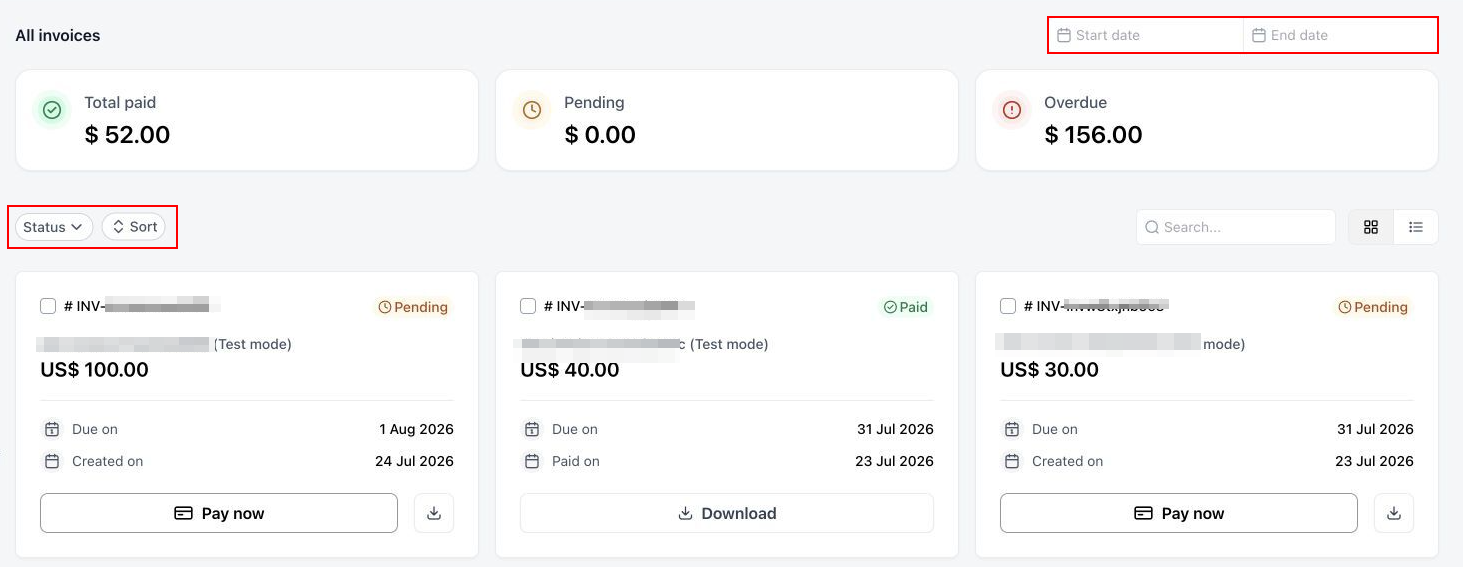
The Invoices area also provides options for filtering and sorting invoices by date and status using the available dropdown menus.
Estimates
The Estimates section provides clients with access to estimates associated with their business relationship. Estimates help communicate the anticipated costs of proposed work, products, or services before a project or service is finalized.
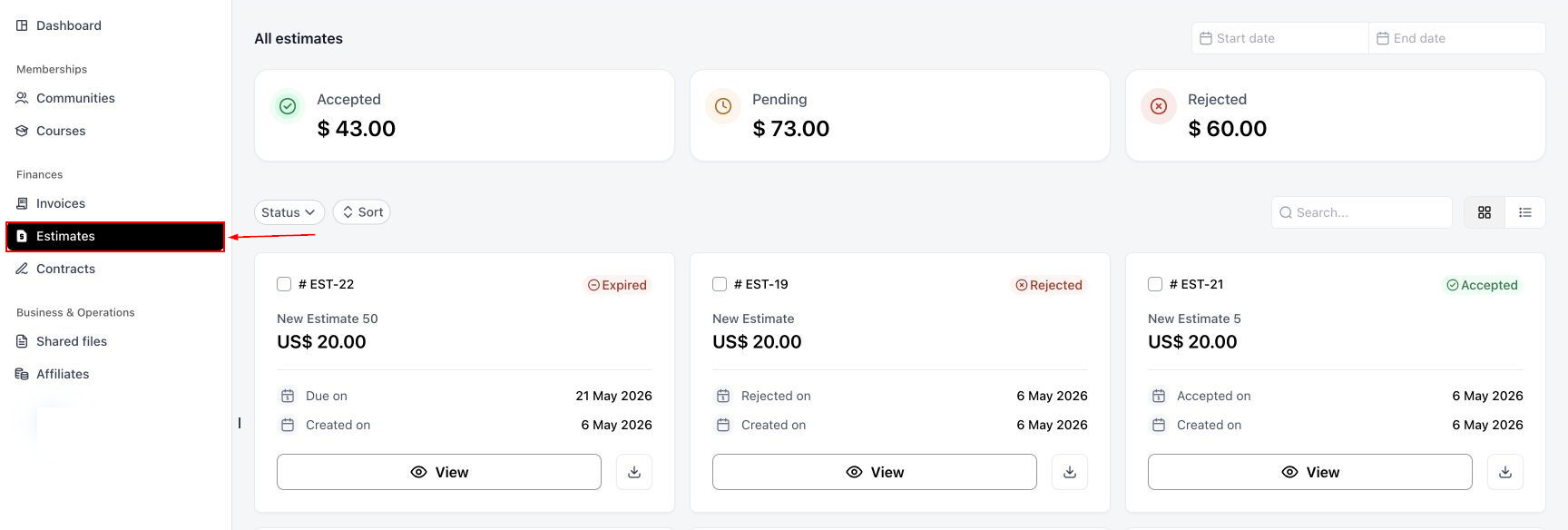
Estimates are displayed using status indicators: Accepted, Pending, Rejected, and Expired, indicating their current stage.
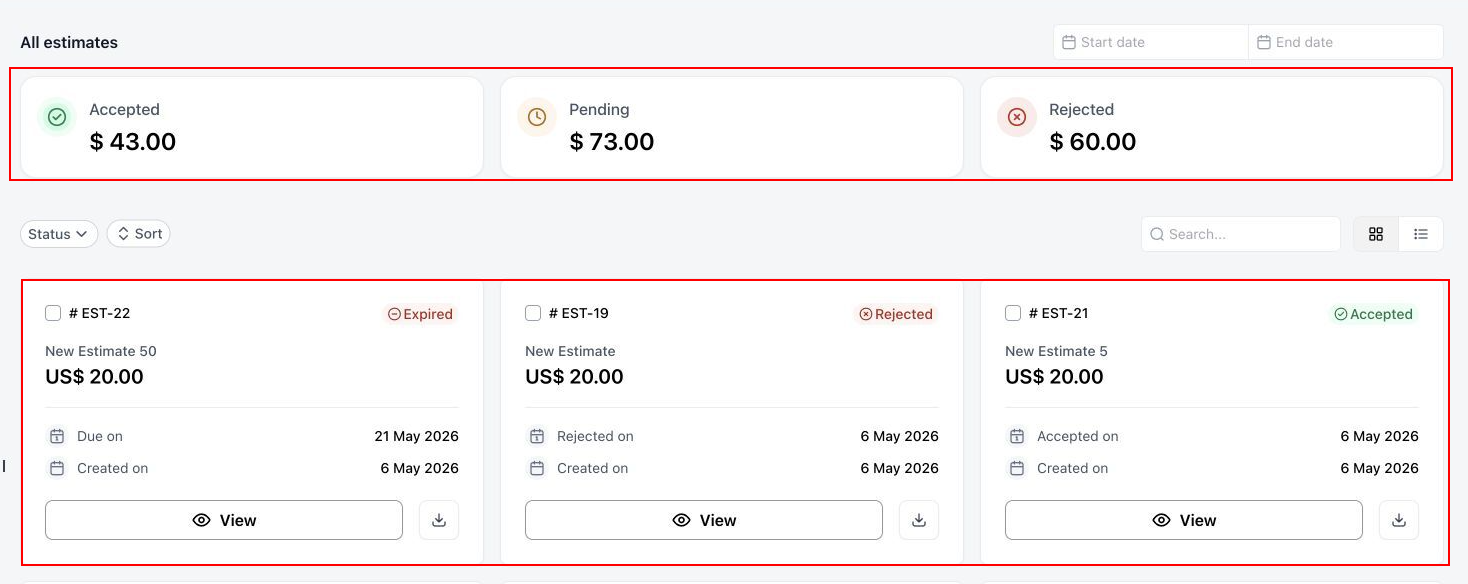
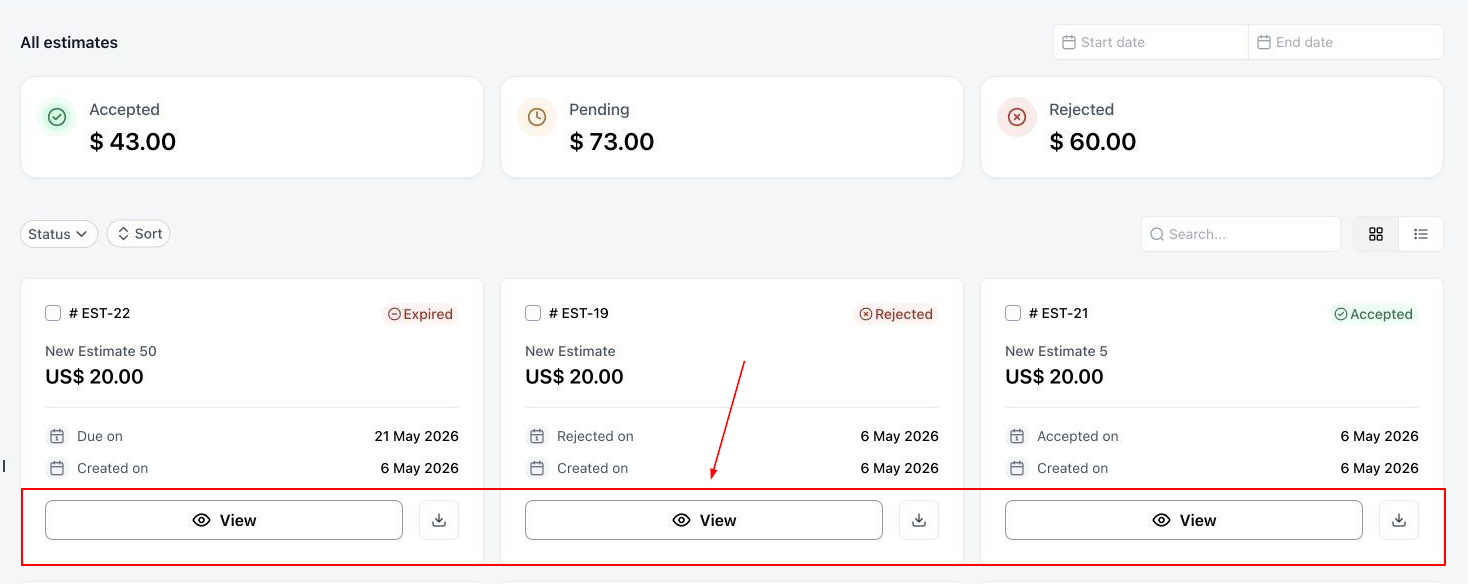
Like the Invoices section, Status, Sort, and Date filters can be applied for targeted results. Once the estimate is located, clients can view and download it by clicking the corresponding in the estimate tile.
Contracts
The Contracts section provides clients with a place to access contracts within the Client Portal. Contracts document the terms and conditions of an agreement between a business and its client, helping both parties refer to the agreed-upon details of their engagement.
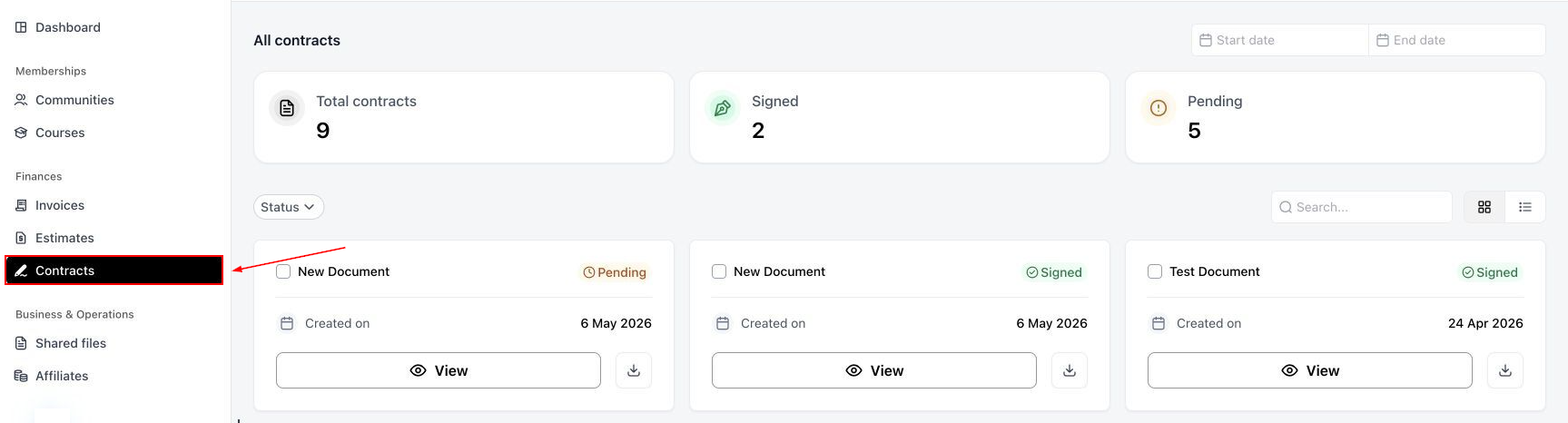
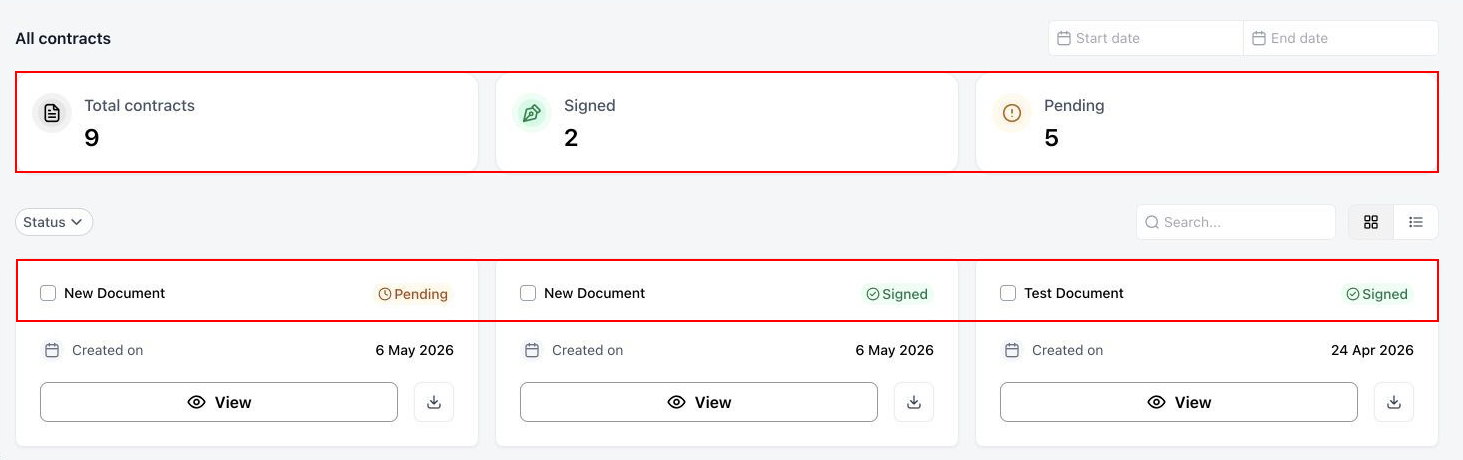
Contracts are displayed as Pending when they are still being reviewed, and Signed after being accepted.
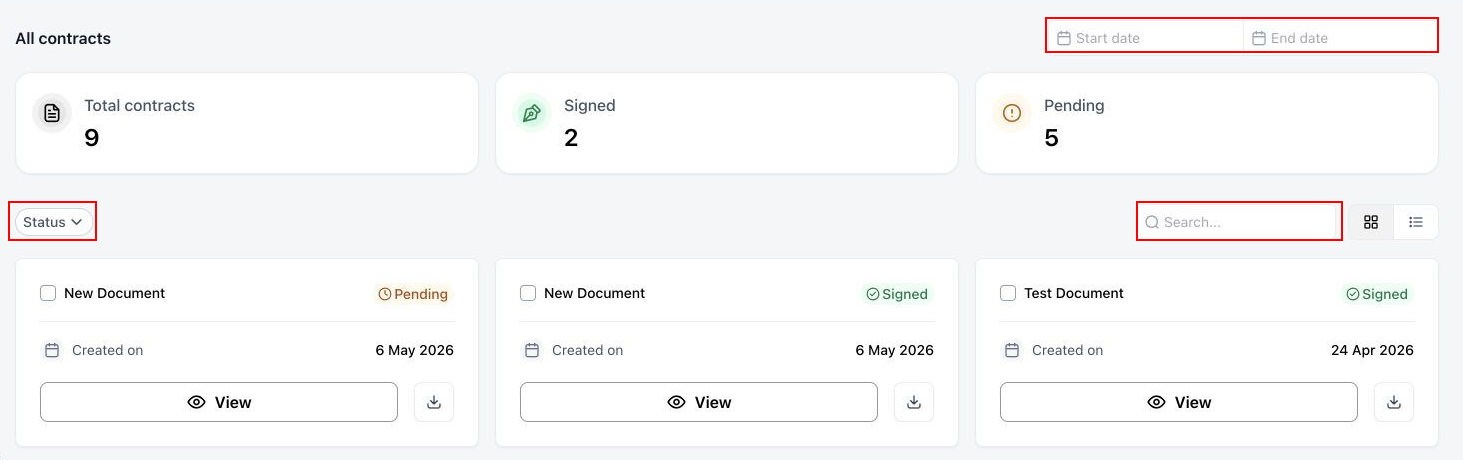
Clients can apply status and date filters to narrow the search, or use the available search bar.
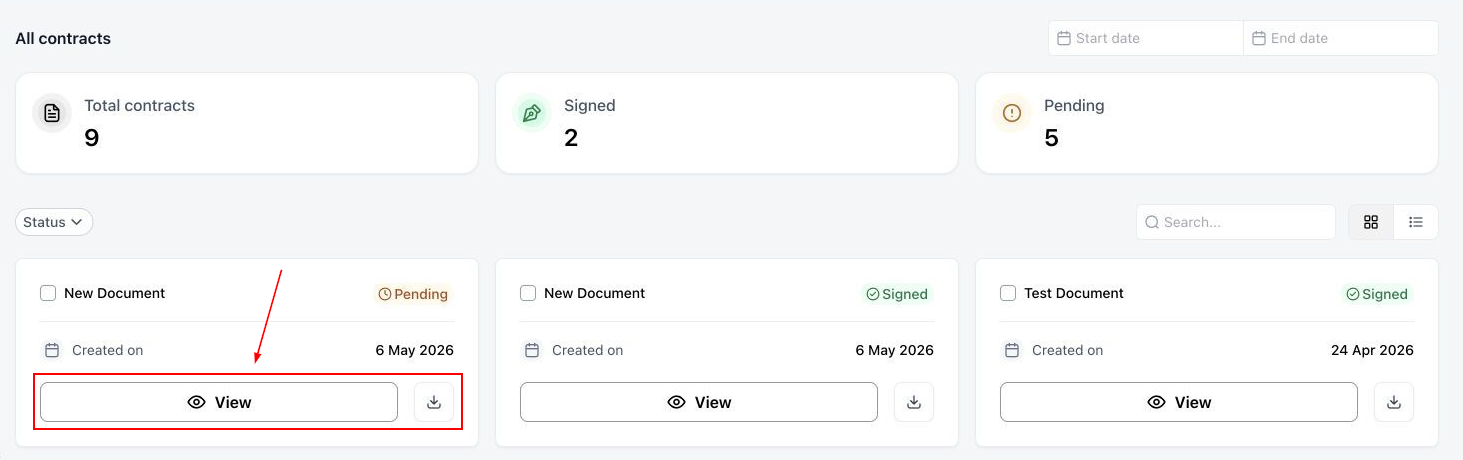
Finally, if the user wants to delve into the details of the contract, they can select the View or Download icon.
The Invoices, Estimates, and Contracts sections of the Client Portal help centralize access to important business documents. Each section serves a distinct purpose, from reviewing proposed costs and accessing agreements to checking billing information. Together, they provide clients with a more organized way to access relevant documents and manage their interactions with your business.