
Order Fulfilled Trigger
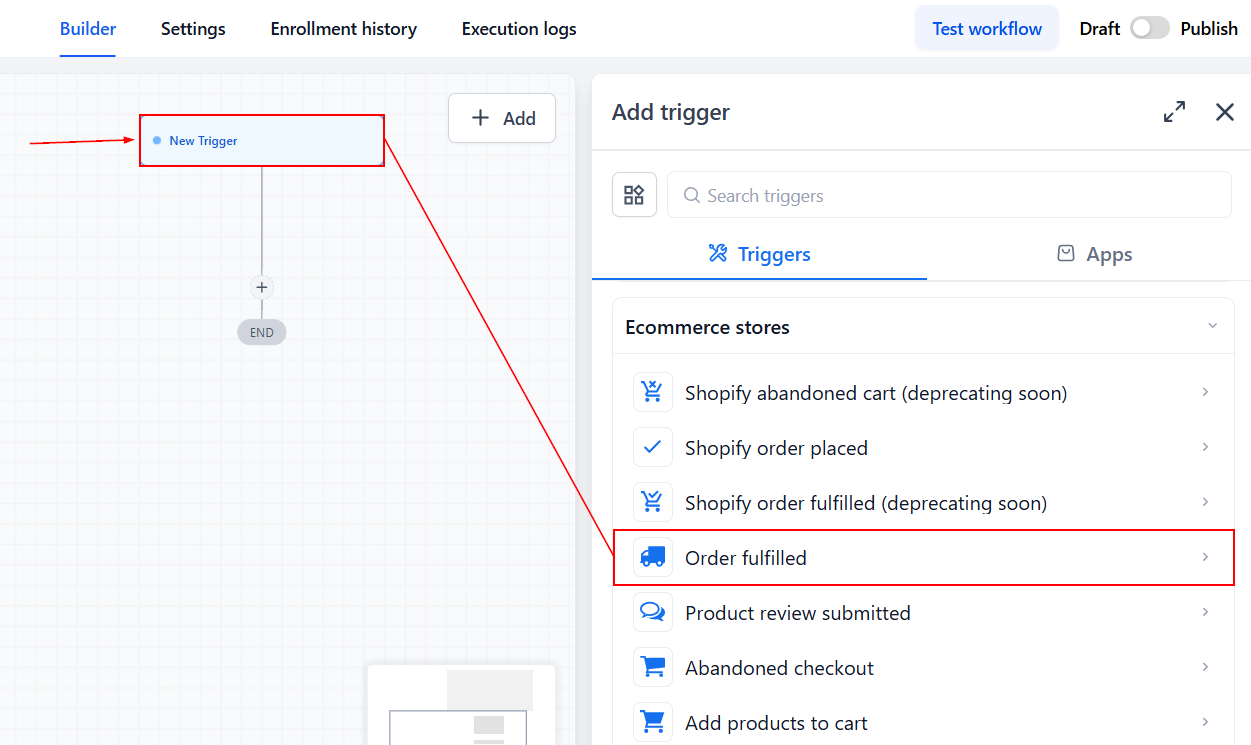
The Order Fulfilled trigger will start a series of actions when an order on your Shopify store has been fulfilled. Use this workflow trigger to notify contacts or send internal notifications to clients. To use this trigger, click Add New Workflow Trigger and select Order Fulfilled.
Filters
Now, let's customize it with additional filters by clicking Add Filters.
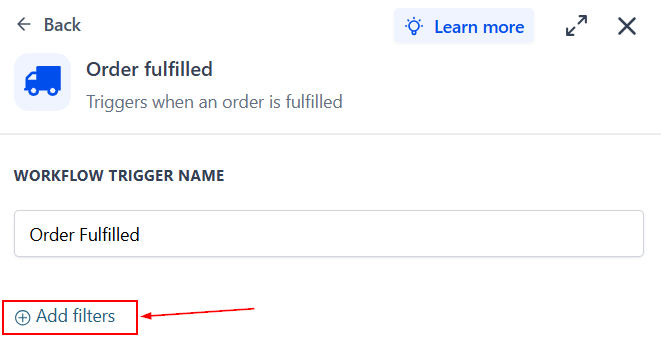
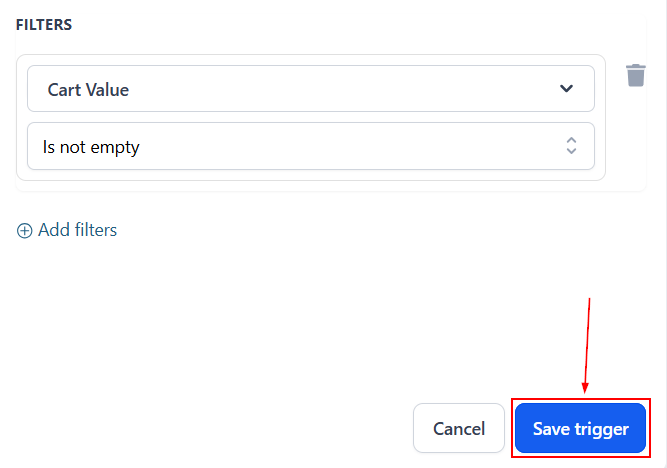
- Cart Value: The Cart Value filter lets users select a cart value with specific customizations.
- Fulfilled Products: The Fulfilled Products filter is used to specify the product(s) that should start the workflow.
- Order Source: The Order Source filter allows users to target internal or external order sources.
- Shipping Carrier: The Shipping Carrier filter is used to identify items shipped by a particular company.
- Tracking Number: The Tracking Number filter can locate fulfilled orders with tracking number fields that are not empty or contain a certain phrase.
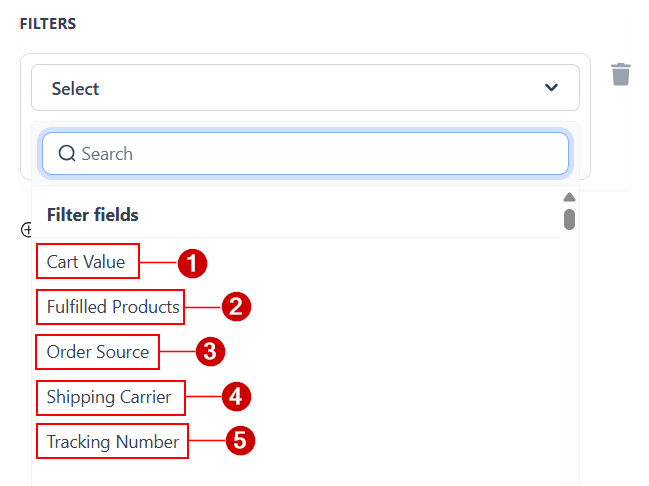
To trigger the filter, add operators to specify the conditions. You can add multiple filters as required to narrow down the customer orders that are added to the workflow.
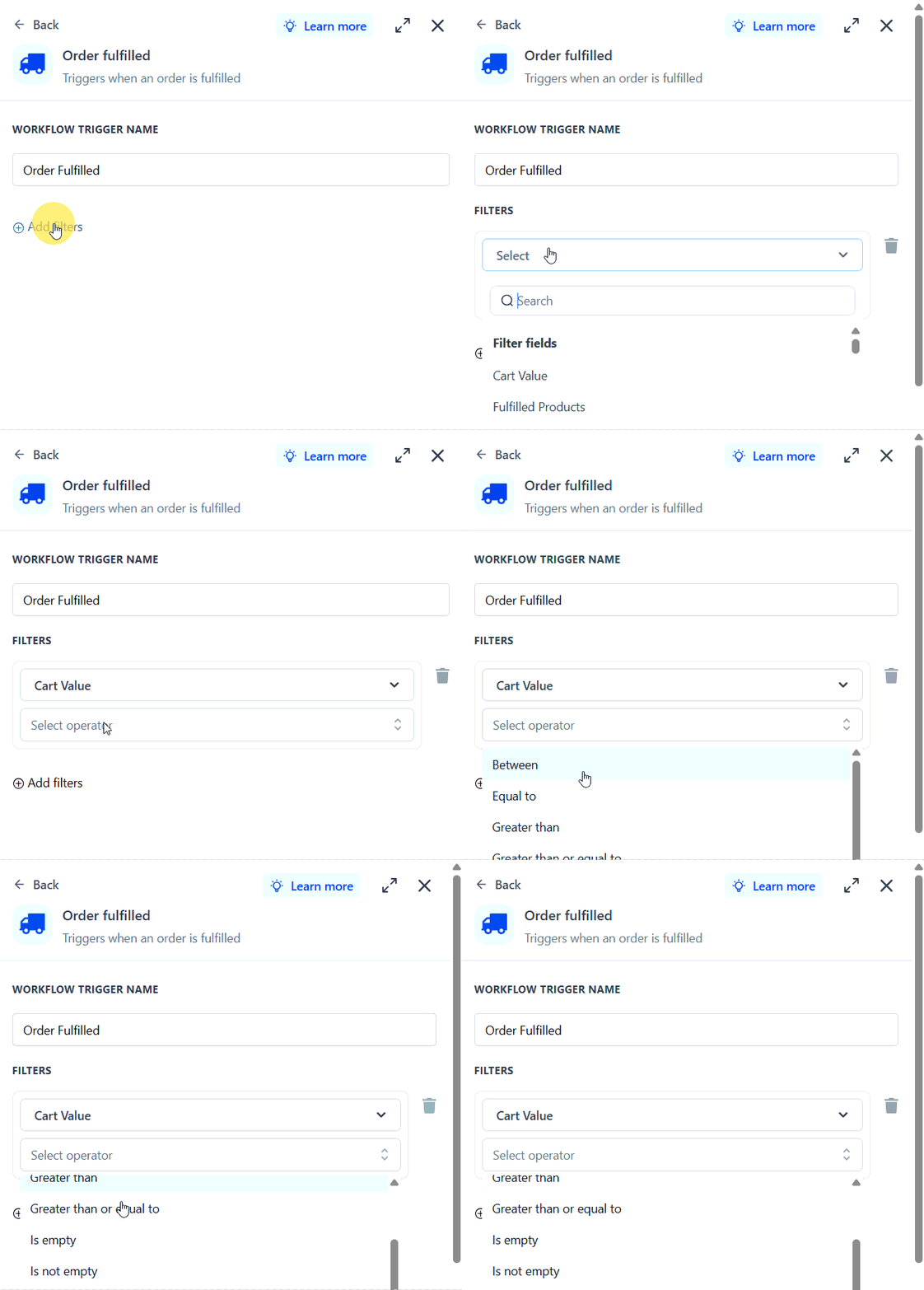
Once the filter is set in place, click Save trigger.
After this, you can add any actions you'd like the workflow to follow! Remember to click Save at the top-right corner to maintain your changes, and switch your workflow to Publish once you're ready to implement the automation.