
Update Contact Field Action
The Update Contact Field workflow action lets users modify a specific field in a contact's record. This feature enables efficient management of contact information, keeping your database current and accurate and supporting better communication and stronger relationships with your contacts.
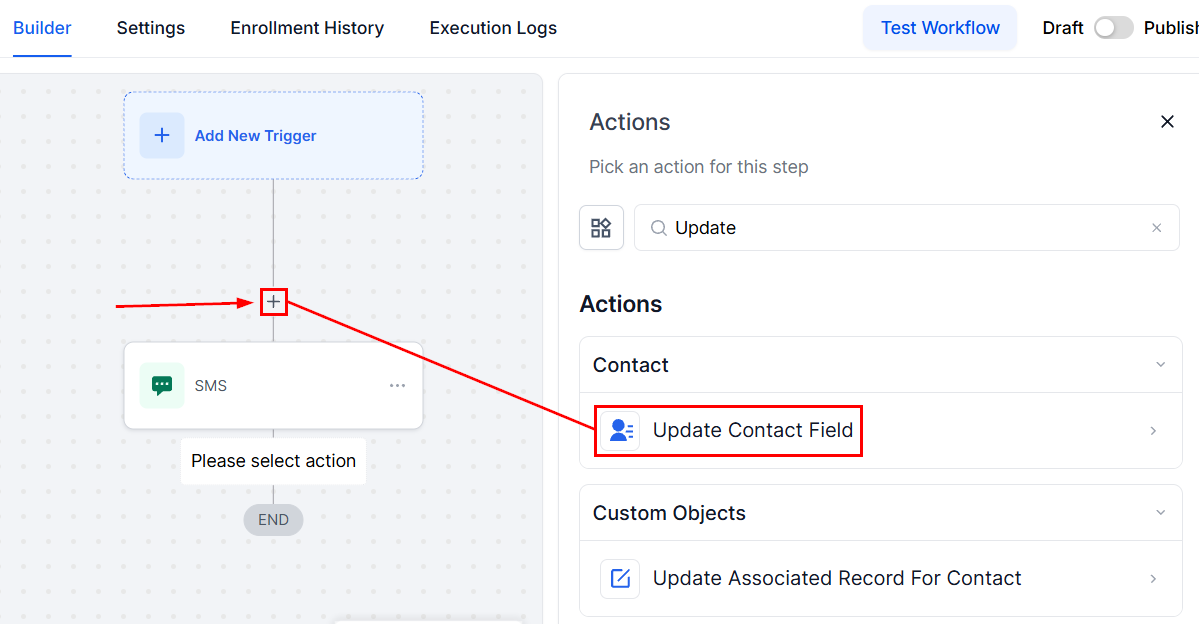
To begin, click on the designated + icon to add a new workflow action and select Update Contact Field.
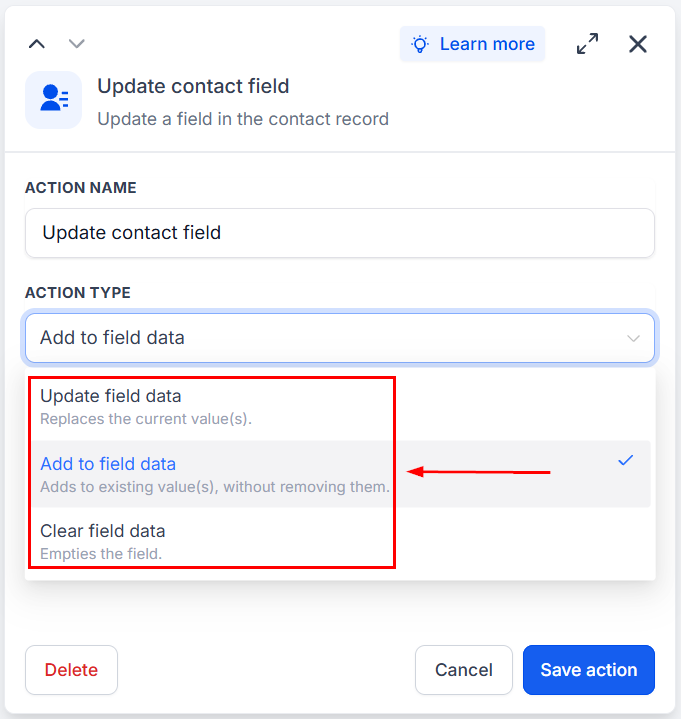
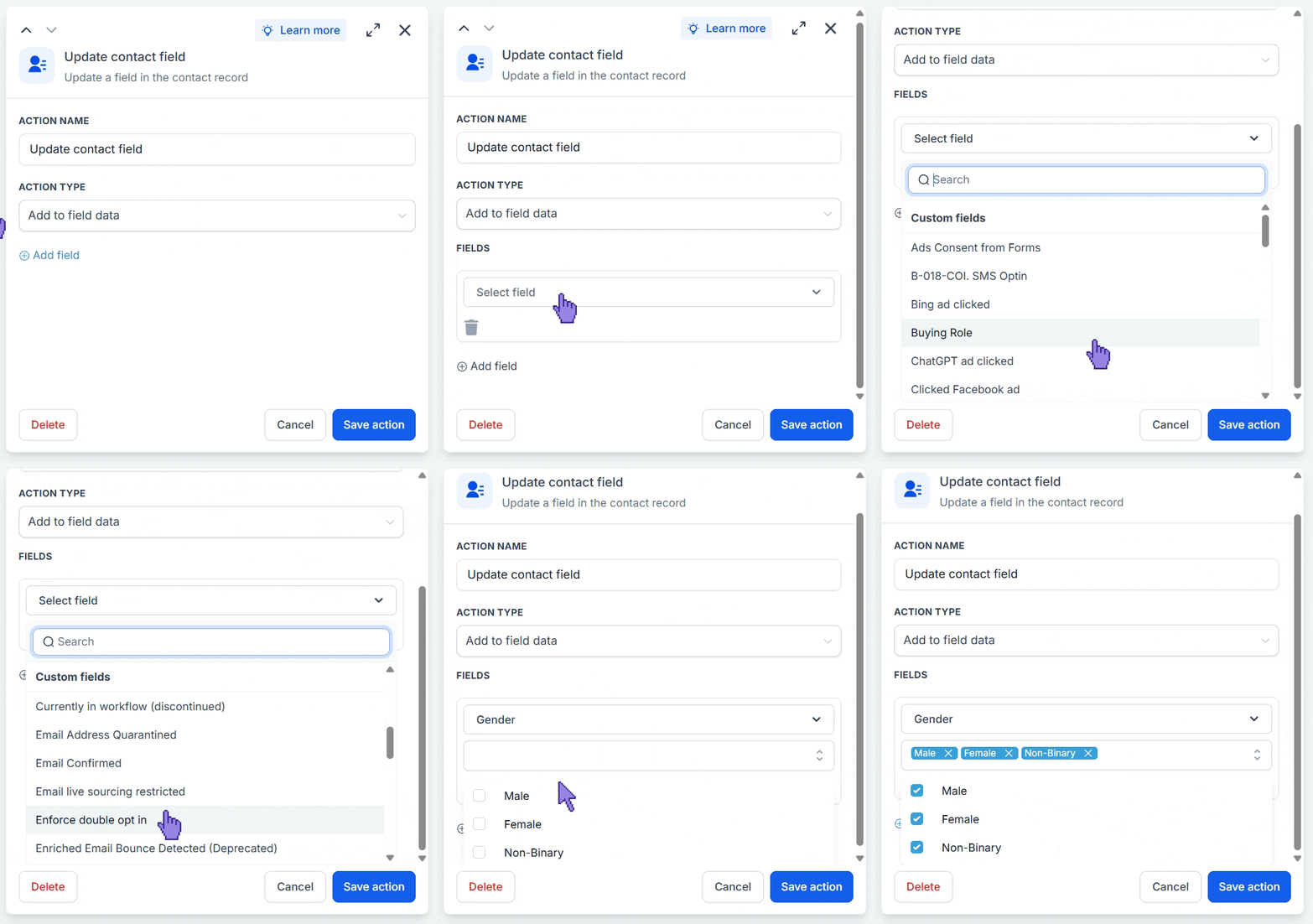
From there, users can choose to update the field data, add to existing values for multi-select fields, or clear existing field data.
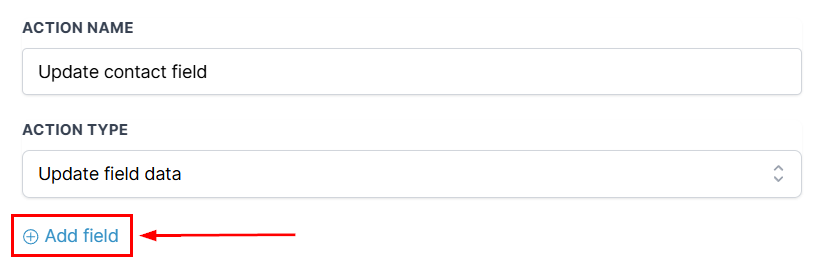
Next, click +Add Field.
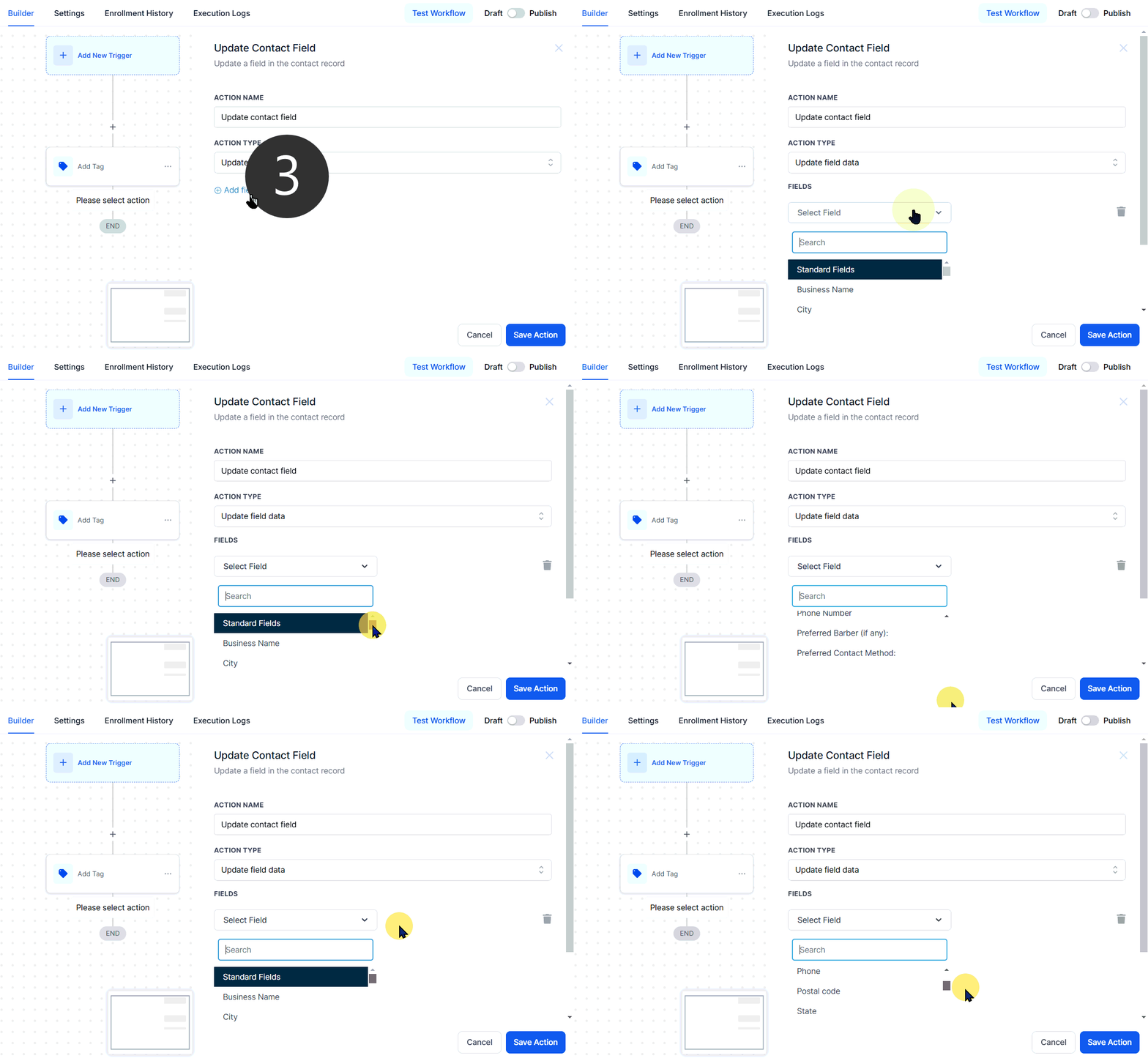
If choosing to update field data, users can select from all field options and input the data to be updated.
If choosing to add data, only fields with multiple answers will show up; select the values you want to add to the contact’s existing selections
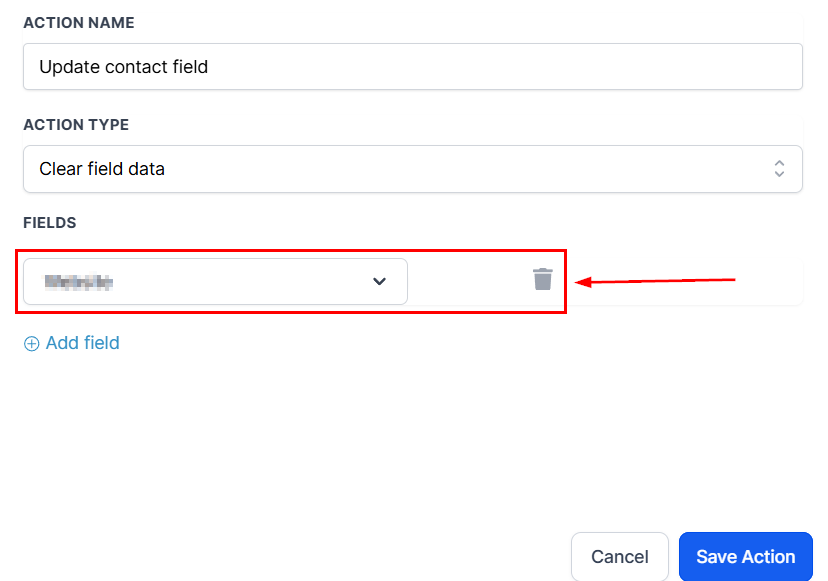
If choosing to clear data, simply select the field you want to clear.
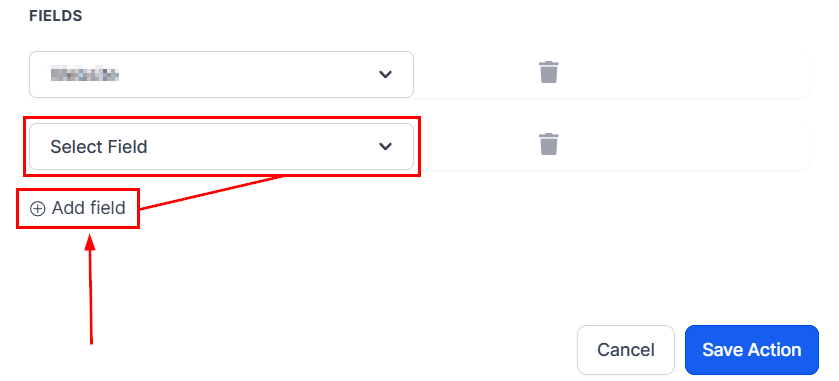
Click + Add field again if there's more than one field to be updated.
And there you have it; now you can click Save Action and continue with your workflow creation.
Note: Make sure you've established a workflow trigger before publishing. Without both an action and a trigger, you will only be able to save the workflow, not publish it.