
AI Studio Form Submitted Trigger
Using AI Studio helps you easily automate your lead management. This helps you connect workflows to smooth out your follow-ups, send notifications, emails, or create opportunities, and more. Let’s learn how to use it!
Required Prompting
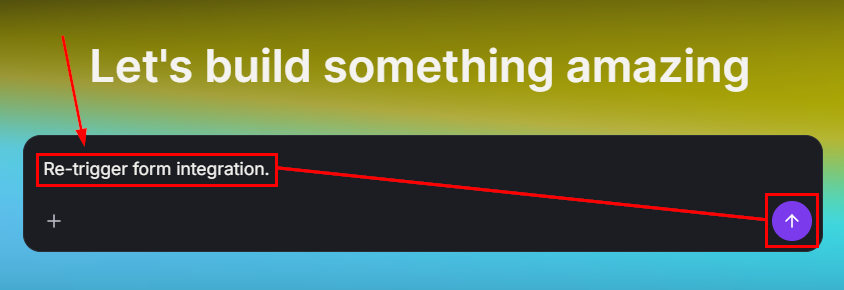
Navigate to the AI Studio tab and enter the prompt “Re-trigger form integration.”
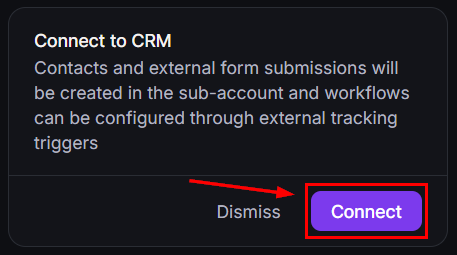
Connect the form to CRM tracking.
Publish the project by clicking the button in the top-right corner.

Setting Your Workflow
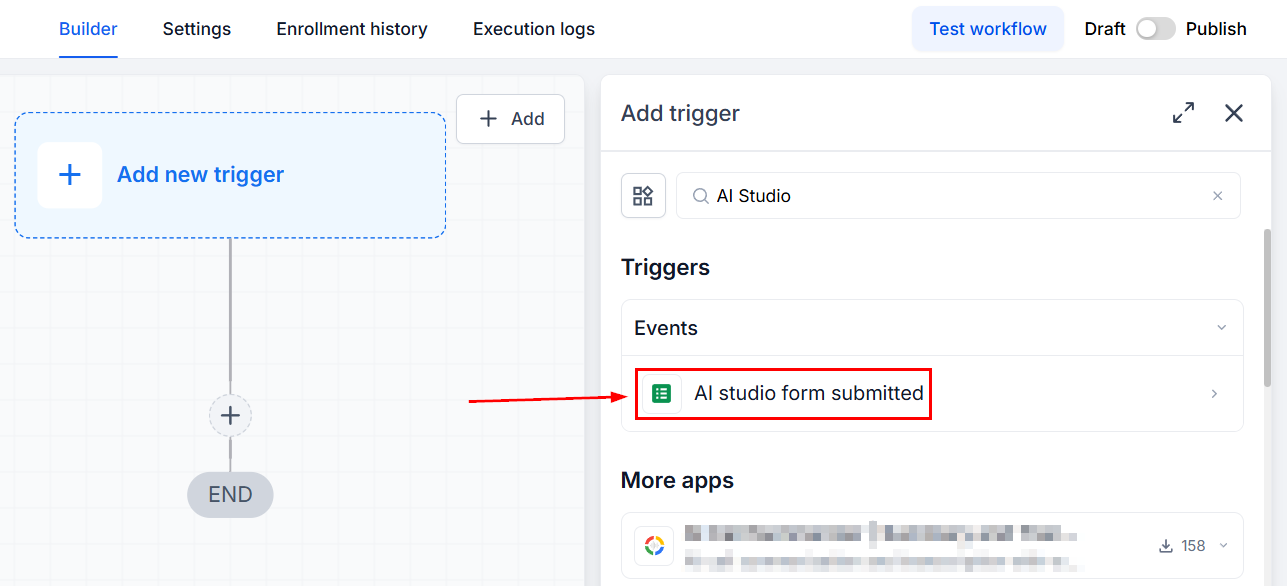
Create or edit a workflow, then add the trigger “AI Studio Form Submitted.”
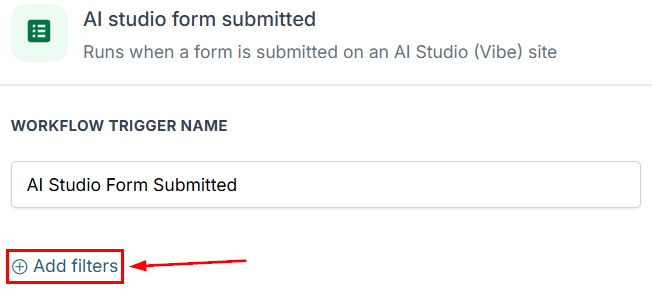
To limit what triggers the workflow, click “+Add filters” to select a specific AI Project.
Select the operator, then choose your desired Project.
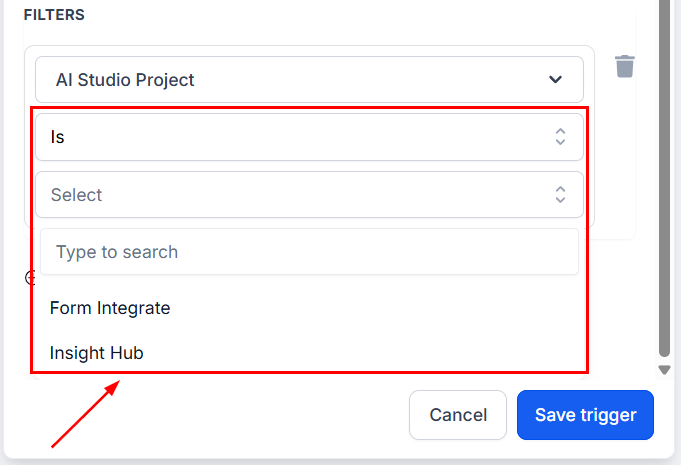
You can add any other filters you desire, then click Save trigger. Add any other actions you desire, and you’re done. This feature will help you automate any necessary action when a form is submitted. With an advanced filtering option to limit the triggering to specific projects and support for external tracking.