
Send Email Action in Company & Custom Object Workflows
This feature helps you automate emails from Company and Custom Object workflows, with easy multi-relationship contact management, simplifying your connection with related contacts without needing workarounds. Let’s learn how to use it!
Configuring the Action
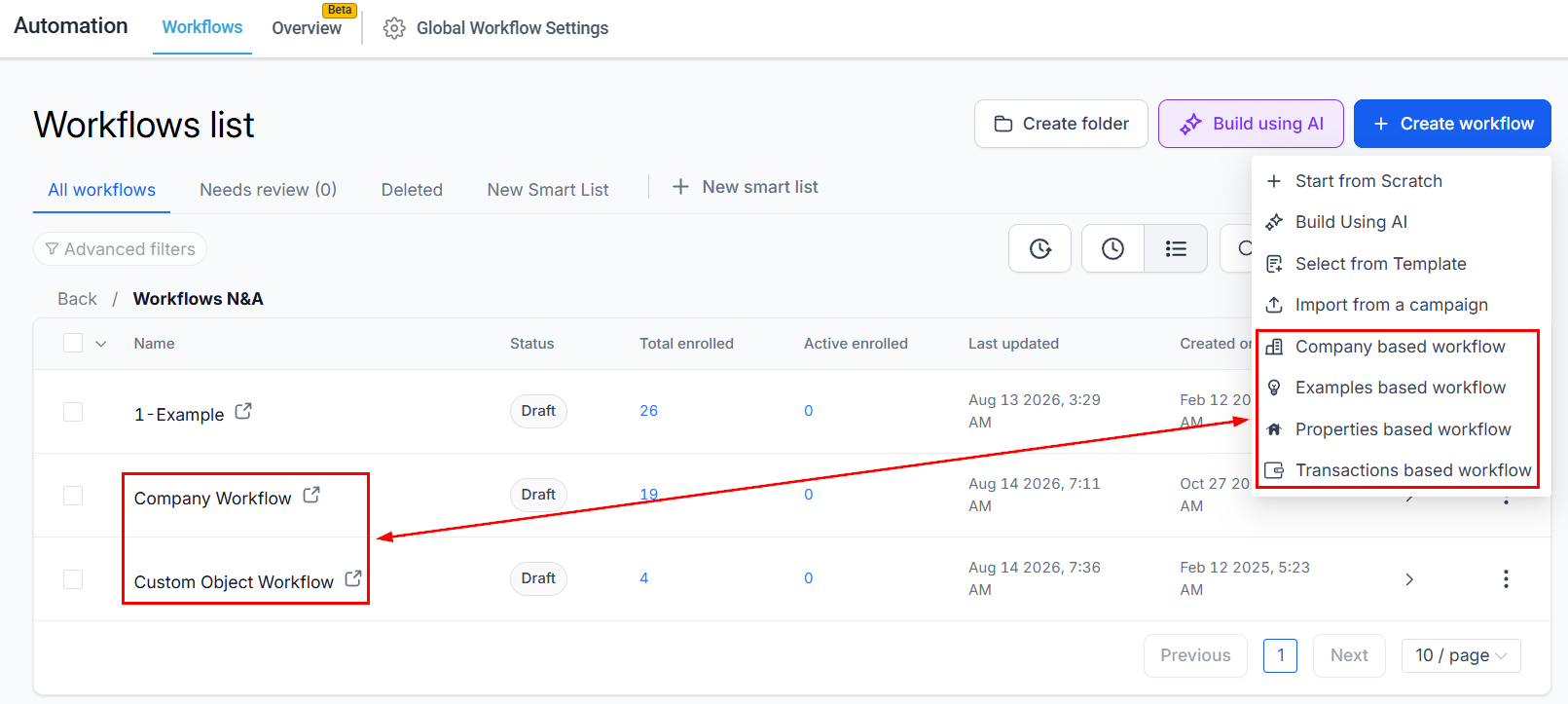
In the Workflows tab in the Automation section, edit or create a Company or Custom Object workflow.
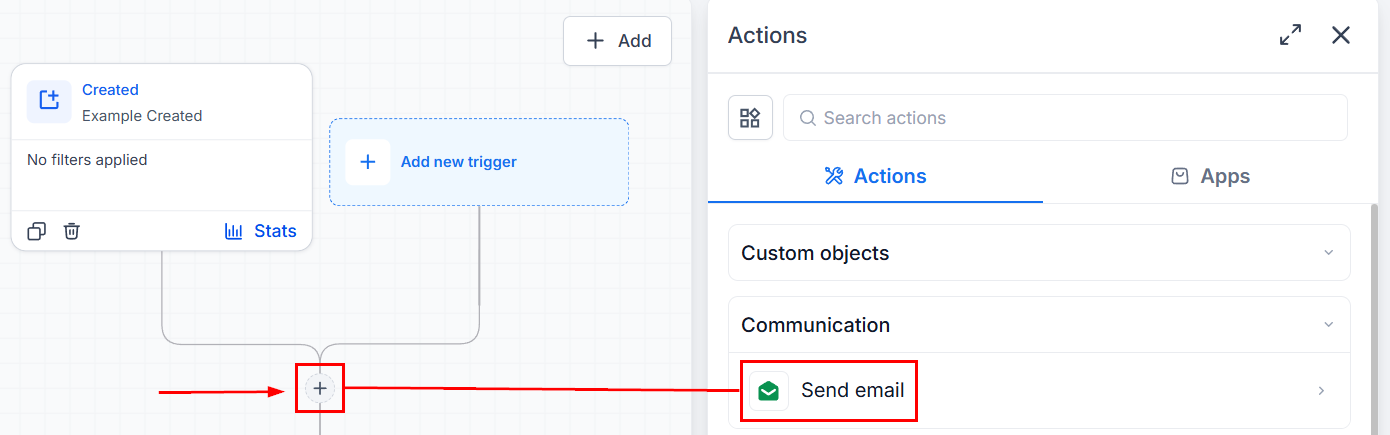
Click Add Action and search for Send Email.
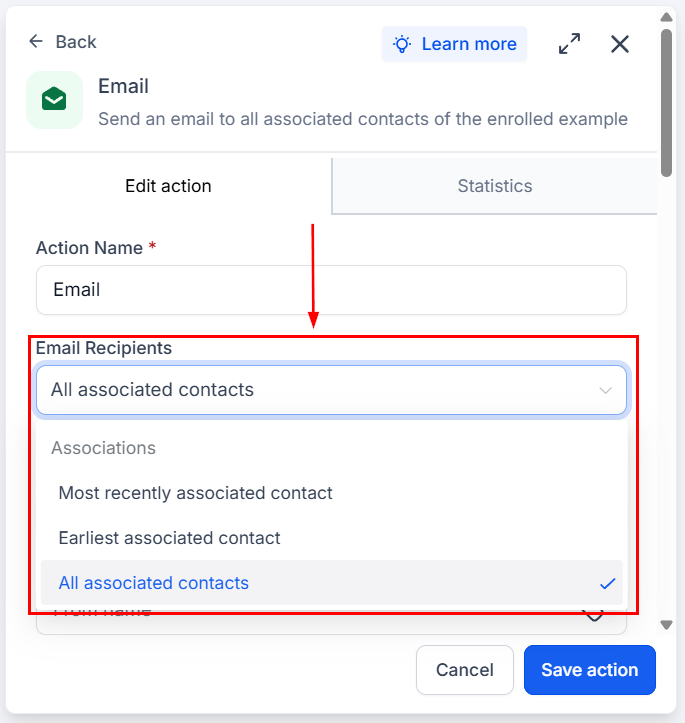
If using a Custom Object-based workflow, choose whether to send to the Earliest associated contact, Most recently associated contact, or All associated contacts.
Select the association labels to identify the contacts who should receive the email.
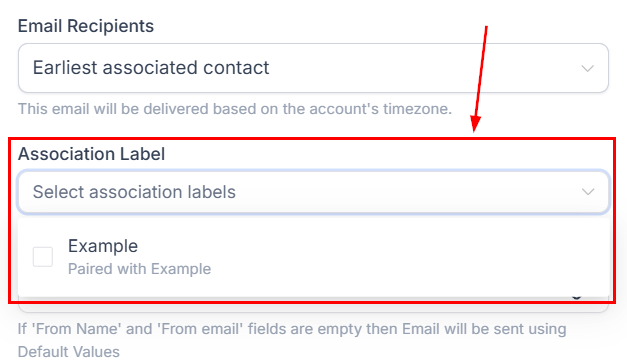
Note: You can select up to 10 association labels; if a contact matches multiple, they will receive one email.
Add the email subject and content; you can use custom values or templates in these fields.
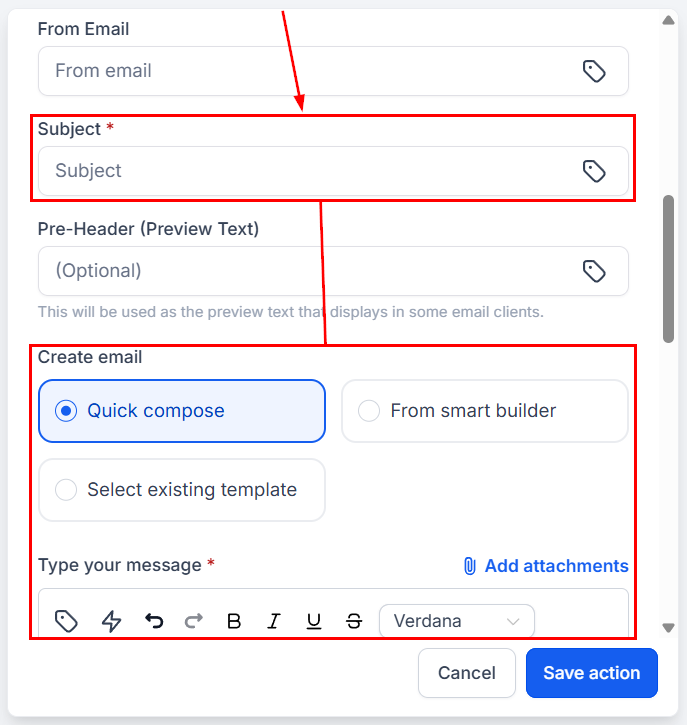
Once satisfied with your email, save your action and continue building your automation. This action will help you connect effectively with the associated contacts that manage the business or offers you’re interacting with. We hope you enjoy it!