
Group Joining Request Rejected Trigger
Setting Up Your Workflow
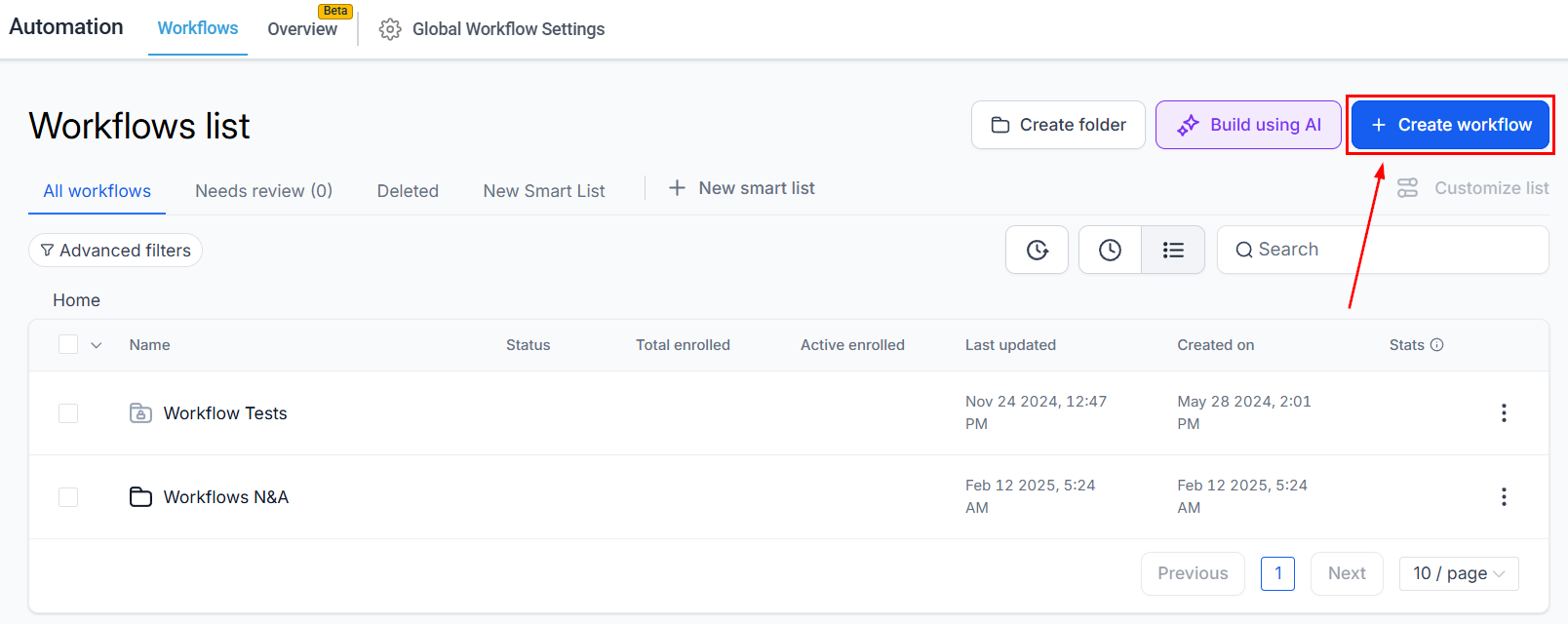
Create a new workflow in the Automations section.
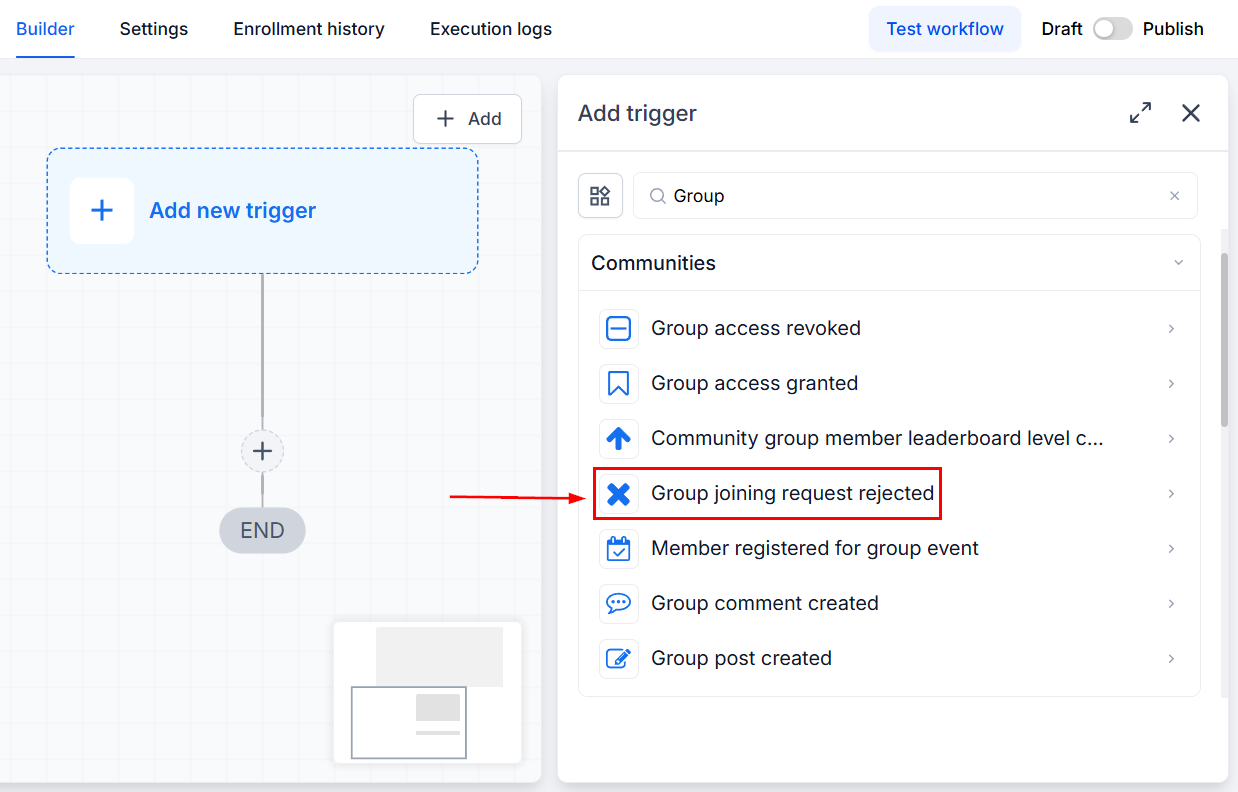
Select the Group Joining Request Rejected Trigger.
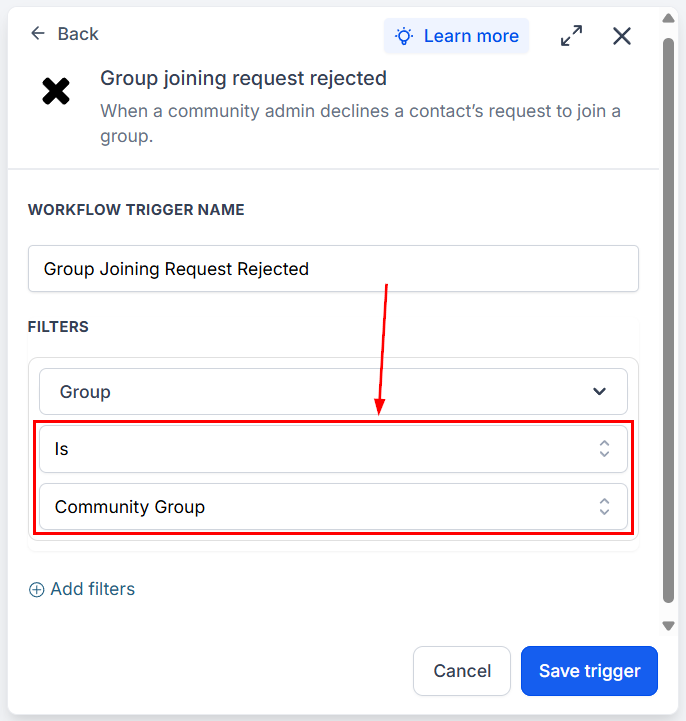
In your filters, select an operator, then pick the Group you want to include in the trigger.
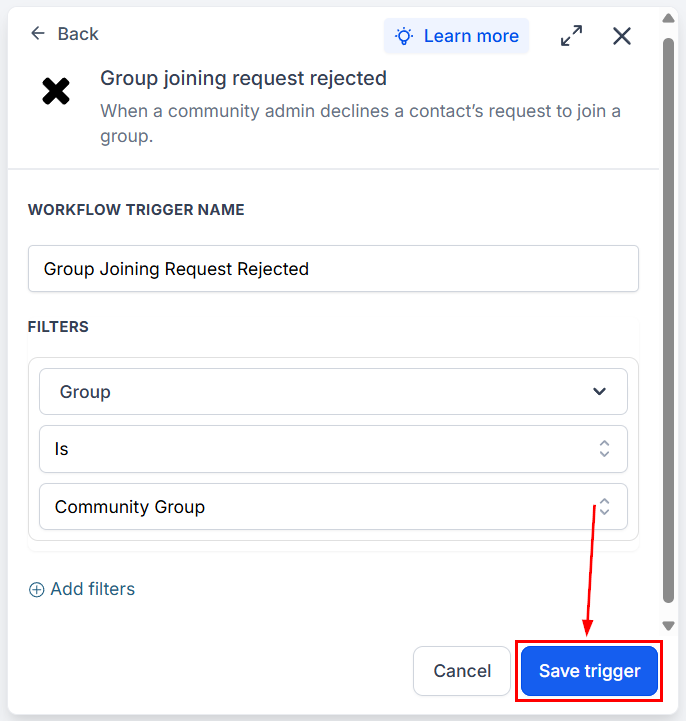
Fill out any additional details and save your trigger.
After saving, you can add any desired actions. Using this trigger will help your team respond faster and engage more effectively, enabling you to improve your moderation flows through automated follow-ups and alerts. We hope you enjoy it!
Still stuck? Contact our team on live chat or video, or browse the training videos.