
Member Registered for Group Event Trigger
Communities are the main space for your most loyal customers to engage with your business. So, having quick ways to engage with member activity is key to improving their experience and ensuring their assistance. So, let's learn how to automate this process with the Member Registered for Group Event Trigger.
Setting Up Your Workflow
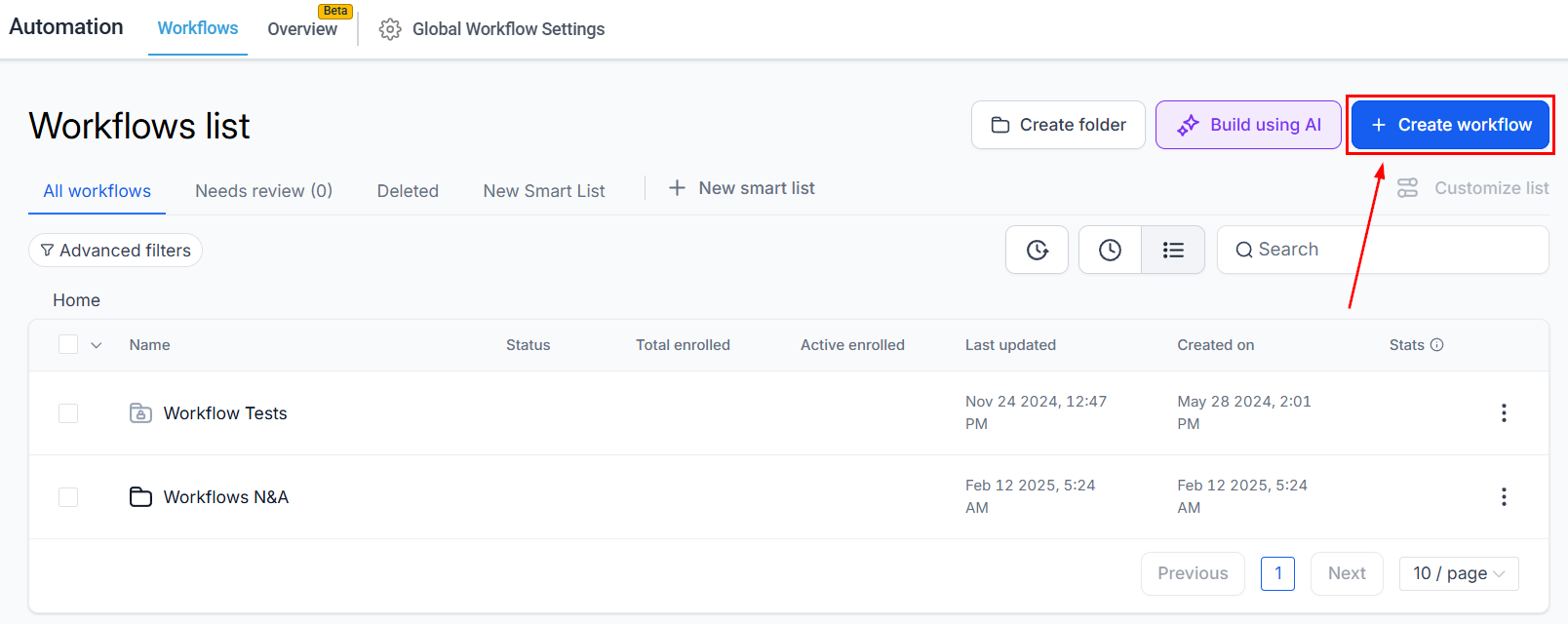
Create a new workflow in the Automations section.
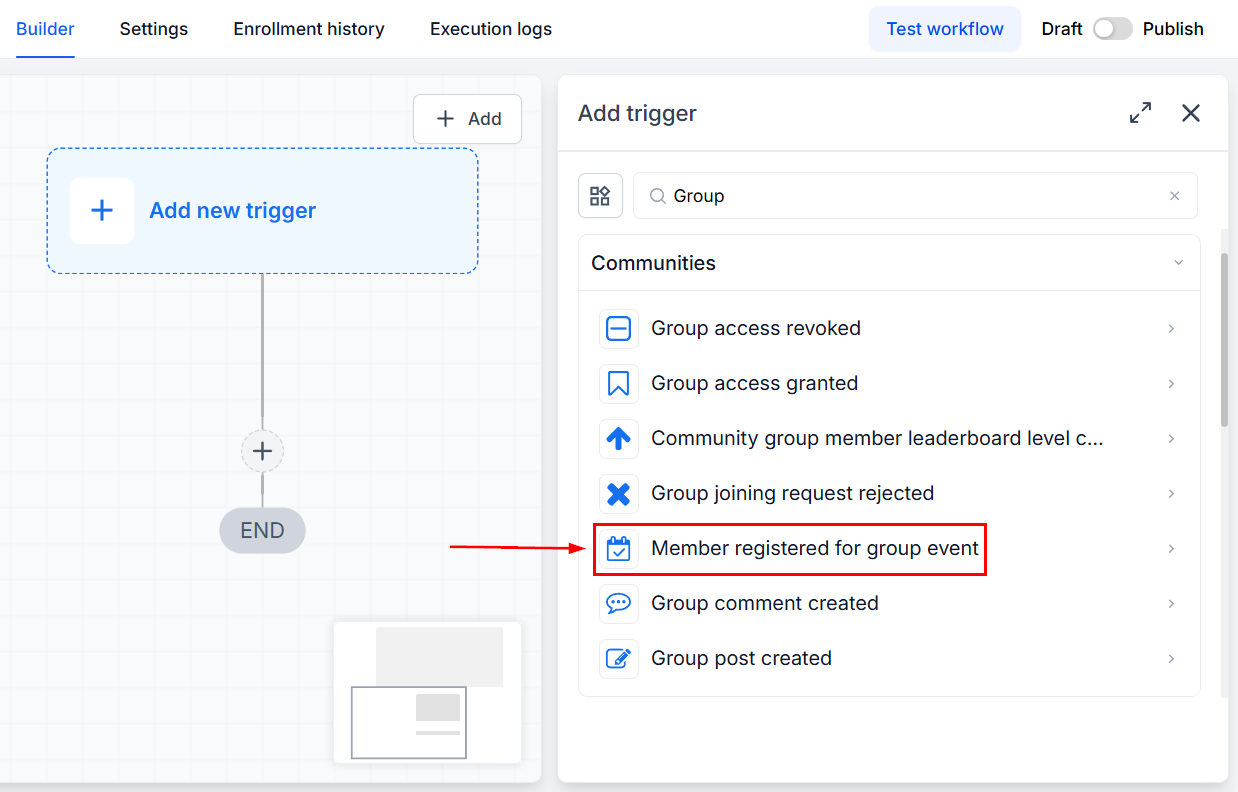
Select the Member Registered for Group Event Trigger.
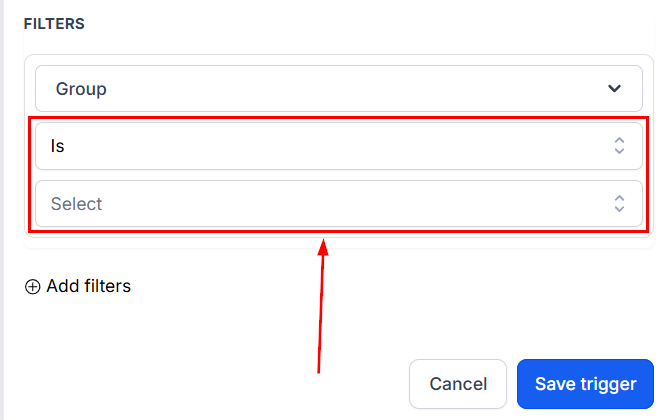
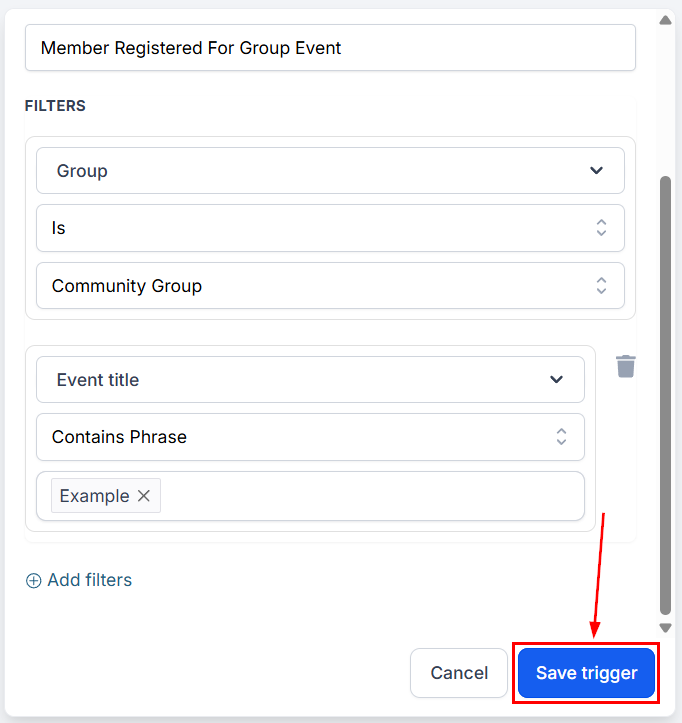
In your filters, select an operator, then pick the Group you want to include in the trigger.
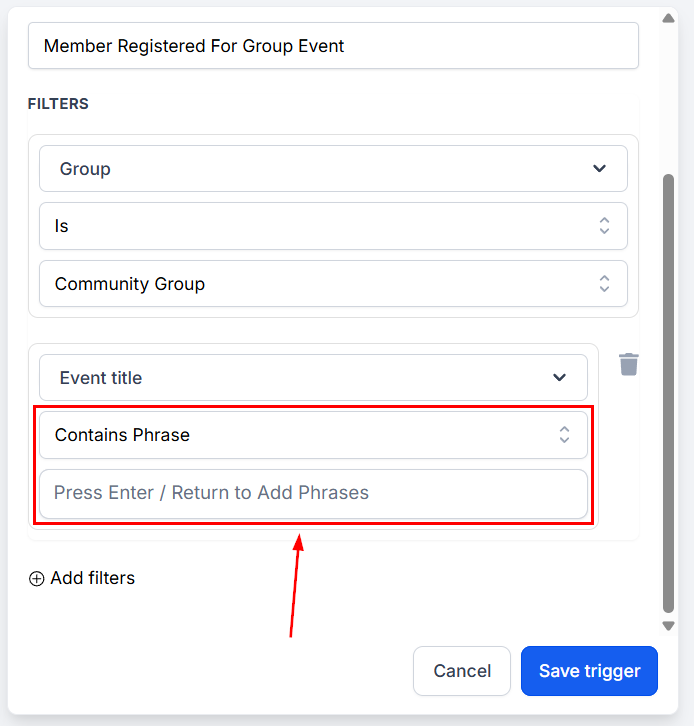
Additionally, you can use the Event Title filter to include only events with certain phrases in their title.
Fill out any additional details and save your trigger.
After saving, you can add any desired actions. Using this trigger will help your team respond faster and engage more effectively, giving you an efficient way to remind members of upcoming events, notify organizers, and market newer offers to your most active members. We hope you enjoy it!