
Community Group Settings
The Settings in your Community Groups help you create the perfect environment for your audience, allowing you to fine-tune all functional details of your groups. Let's go over the basics so you can navigate and use this section with ease.
Accessing Community Group Settings
Start by heading to the Community Groups tab inside the Memberships section and clicking Log In under your desired group.
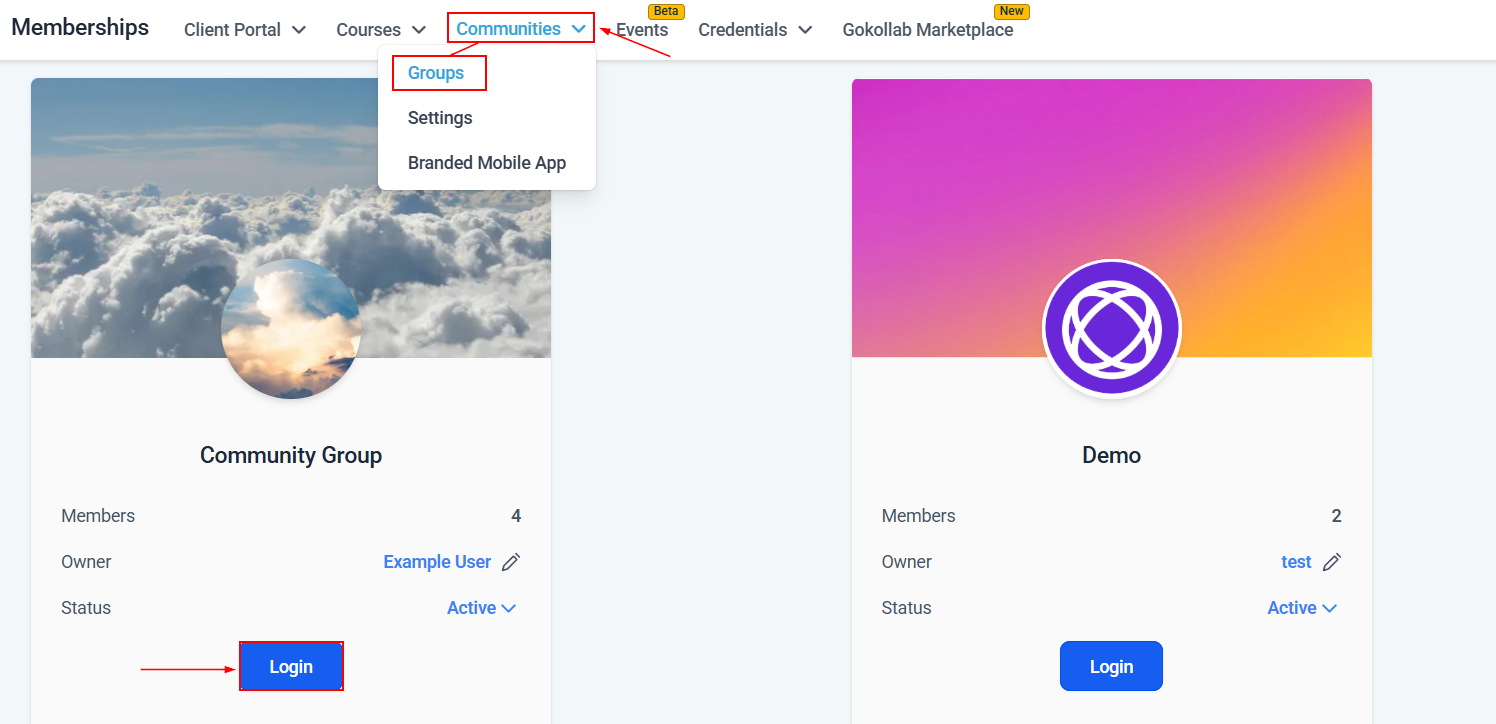
Next, click Settings to access the Menu.
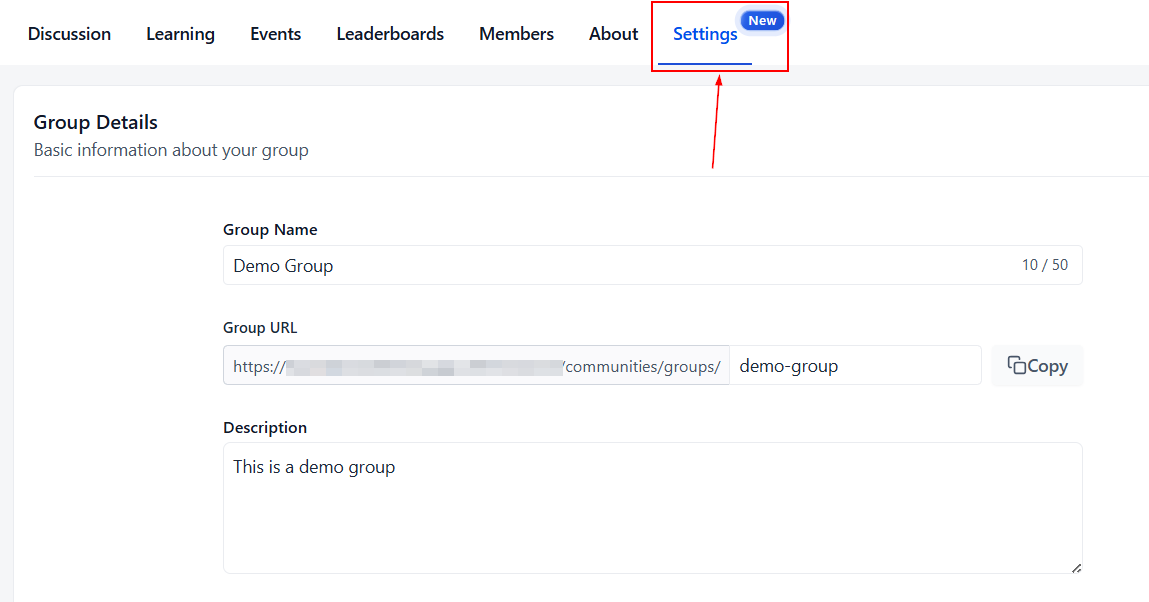
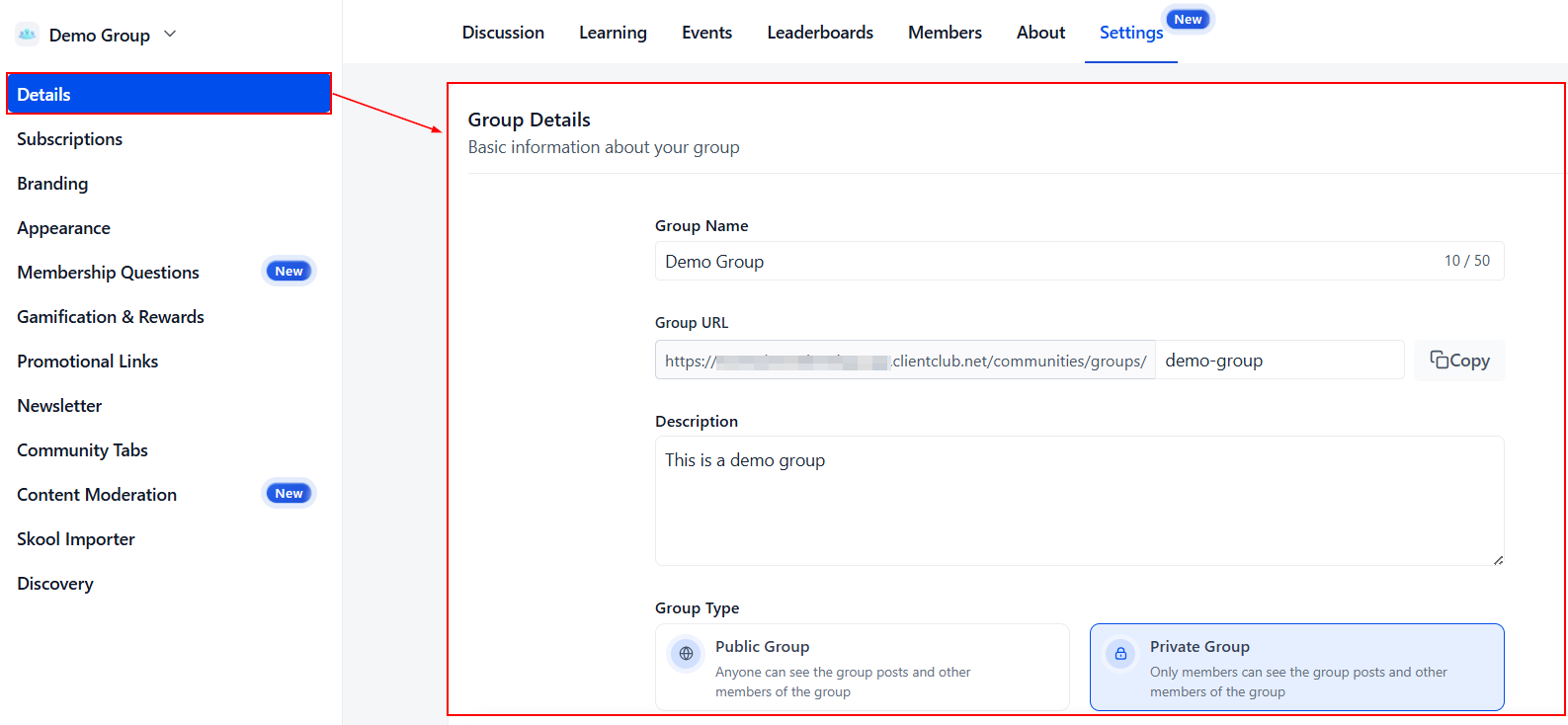
Details
This section helps you manage the details of your group's presentation, including the group's name, URL, description, access, and profile requirements.
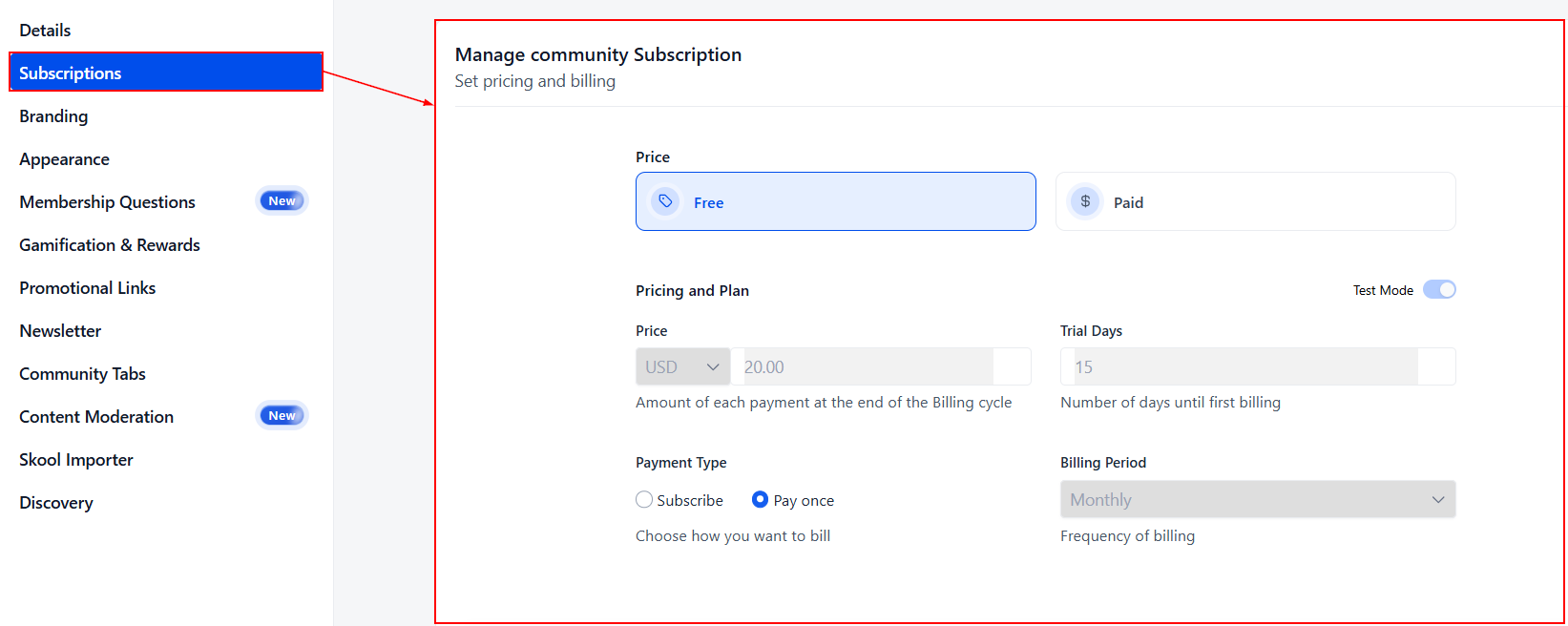
Subscriptons
This section allows you to manage the fee (if any) you charge members for joining this group.
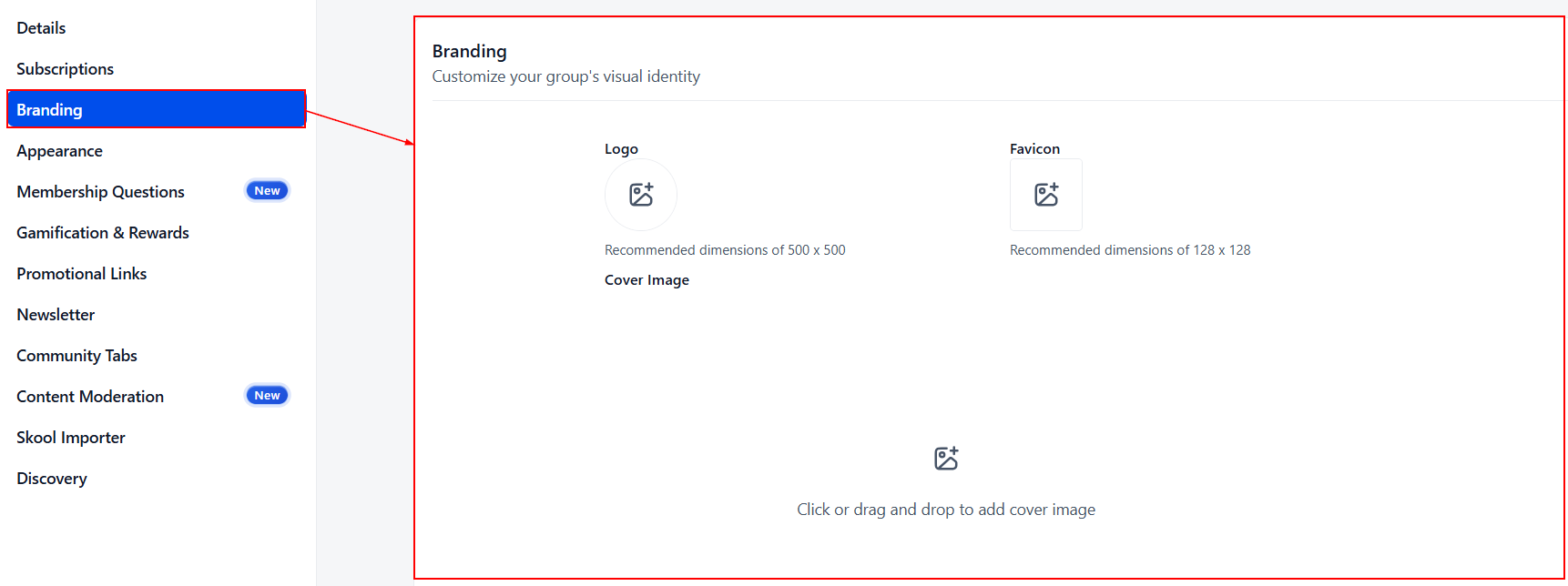
Branding
Add branded elements, such as a favicon, logo, or custom code, in this section.
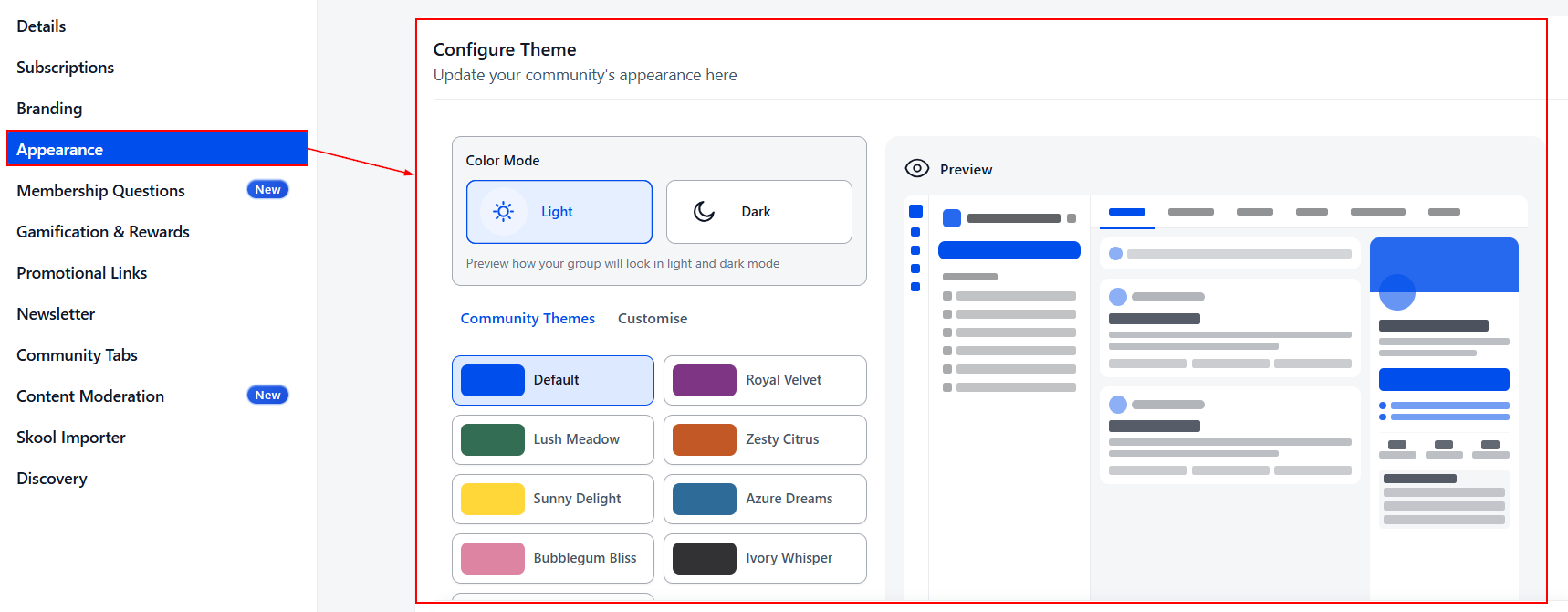
Appearance
Use the Appearance section ot customize the colors of your group's pages. You can select from predetermined themes or a custom one to add your own colors.
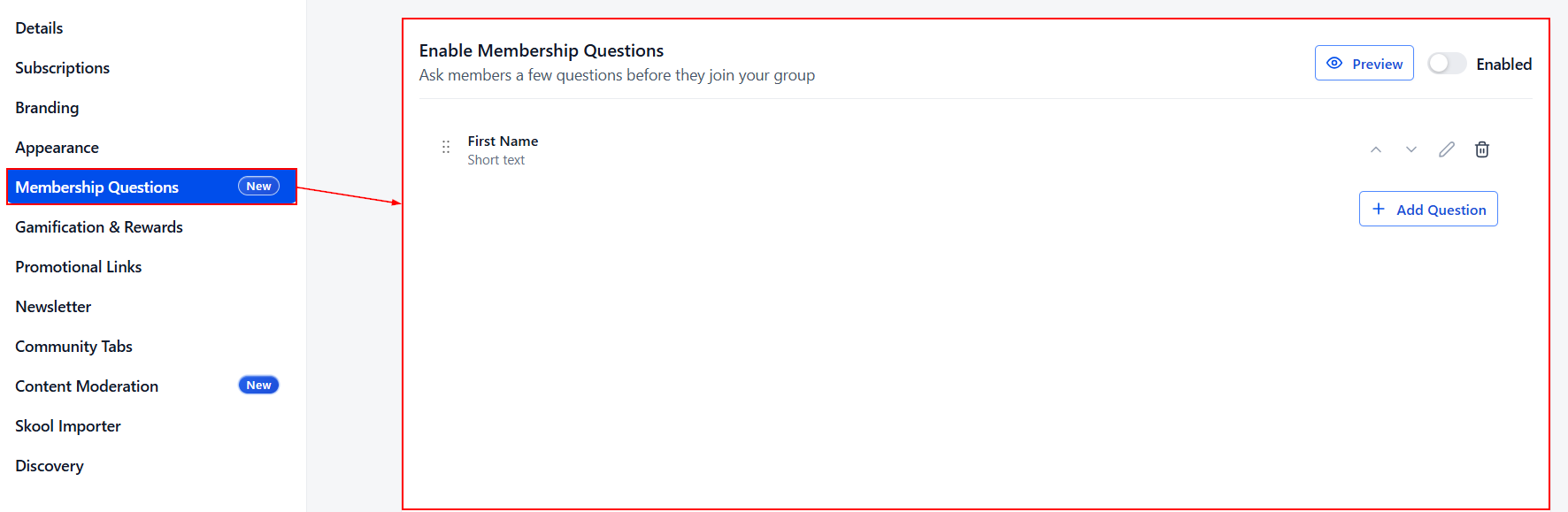
Membership Questions
Enable and add questions to ask members before joining your group in this section. This helps you curate your audience and keep your members in sync.
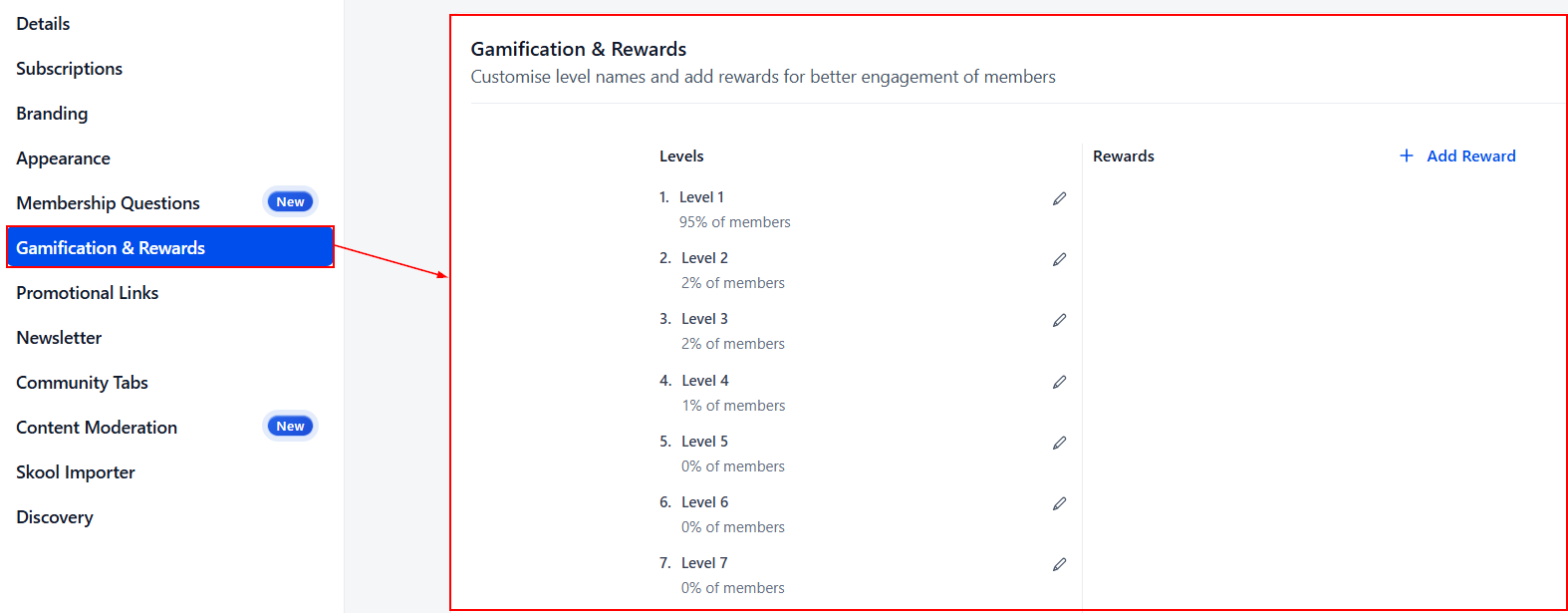
Gamification & Rewards
Customize level names and add rewards for better engagement of members in this section.
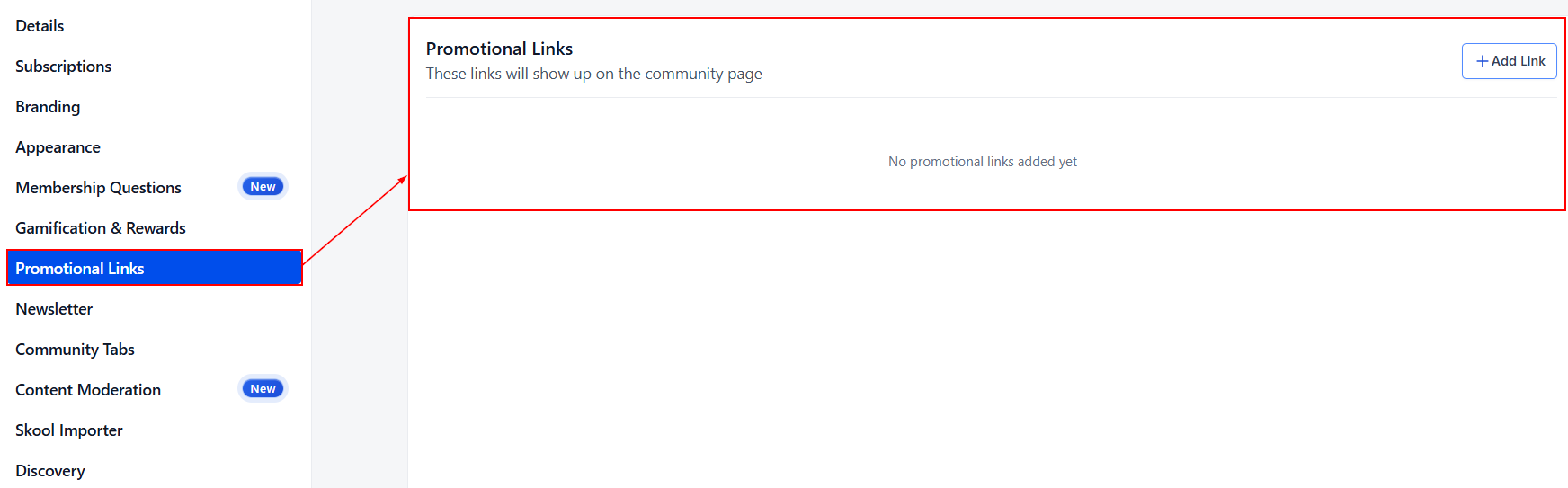
Promotional Links
Use this section to create promotional links for your group.
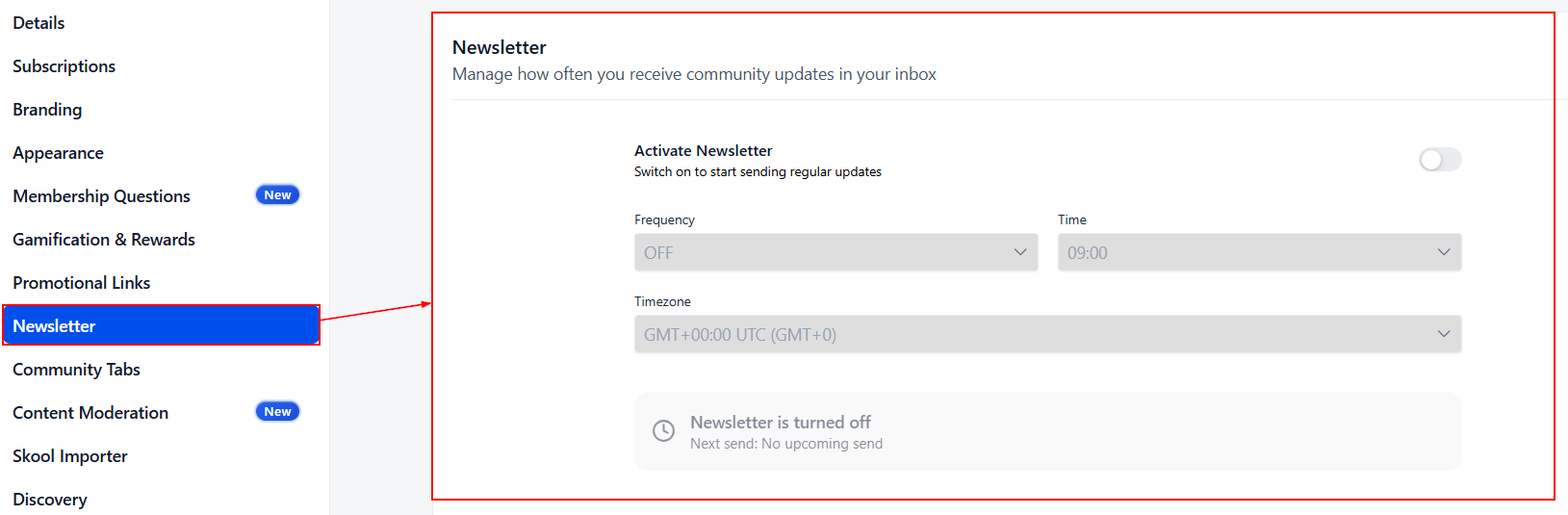
Newsletter
Here you can manage details related to the community's newsletter, such as the sending frequency.
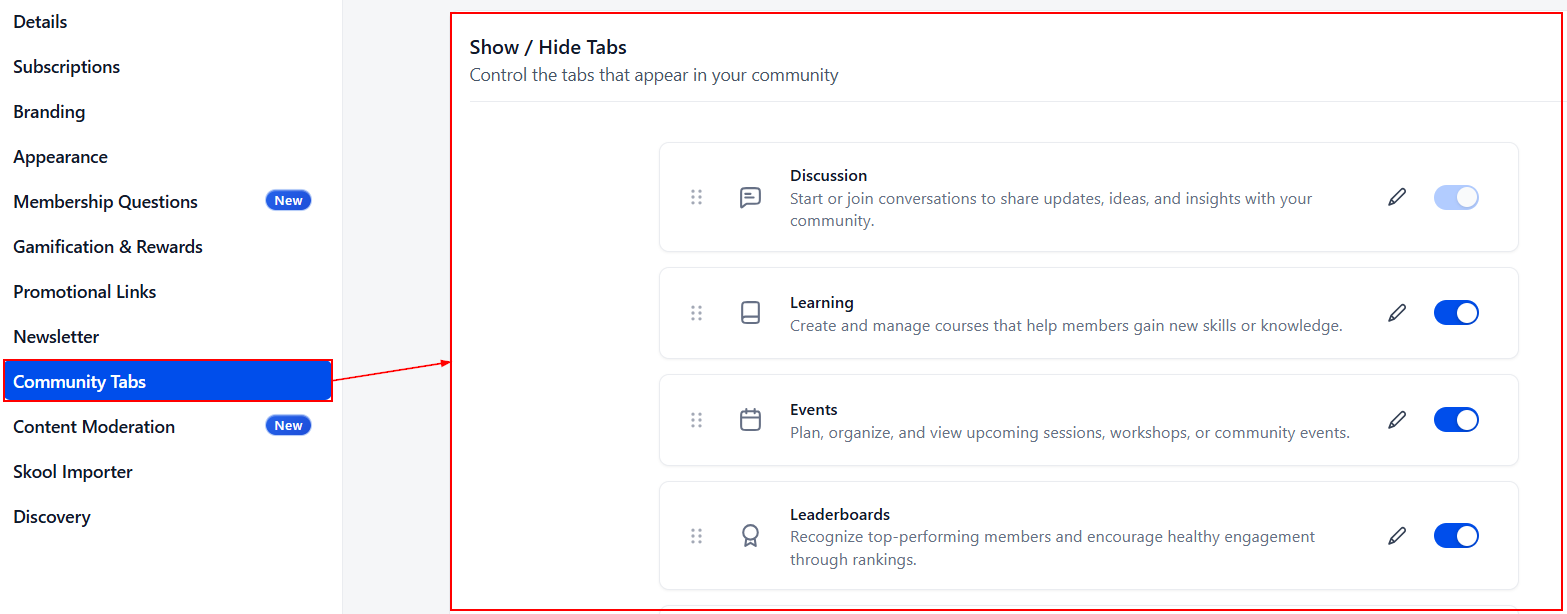
Community Tabs
Enable the tabs you want community members to have access to, or disable the tabs you don't want to be a distraction by toggling the switch. You can also rename and reorder tabs here.
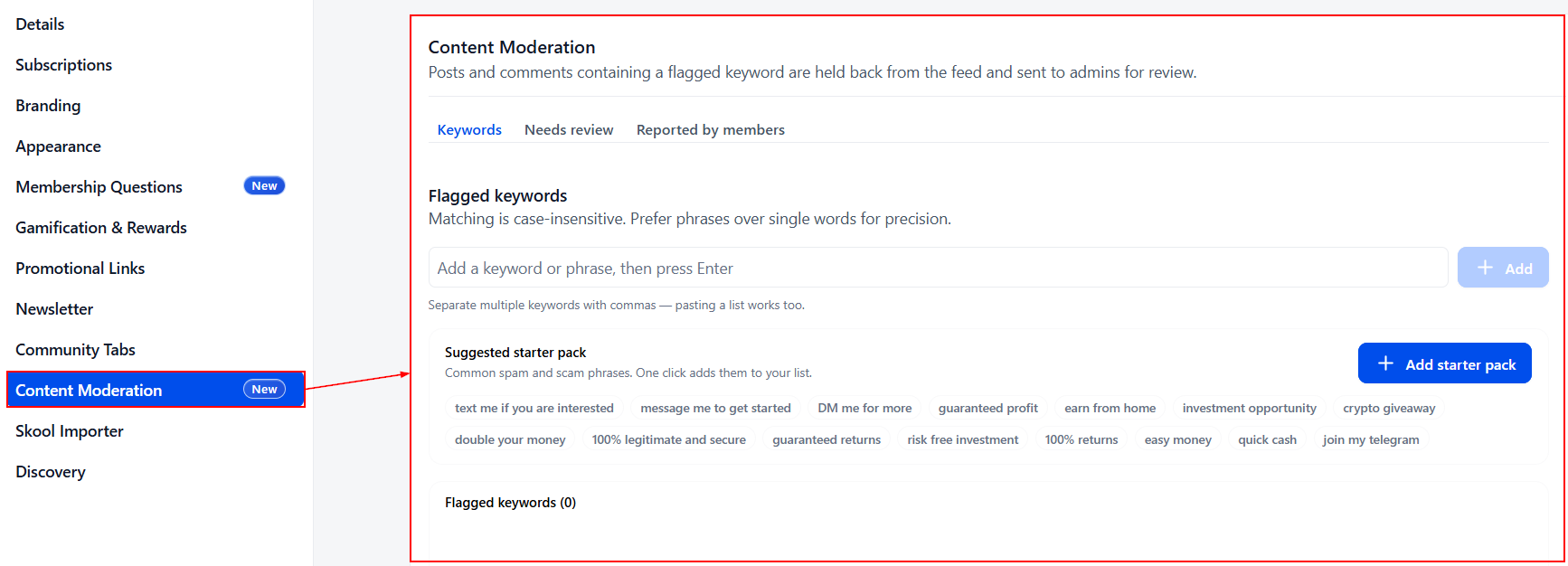
Content Moderation
In this section, you can review the content your community has flagged as dangerous or breaking community rules.
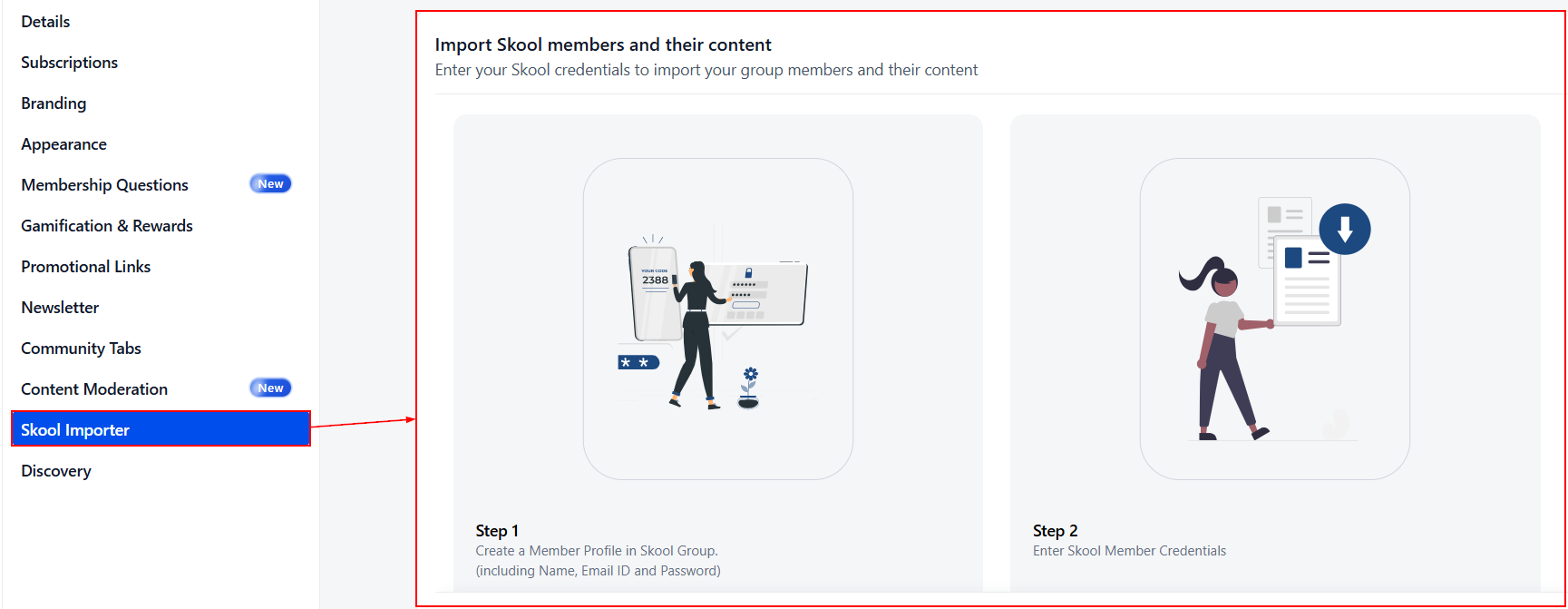
Skool Importer
This section allows you to import content and members from Skool groups into already created Community Groups.
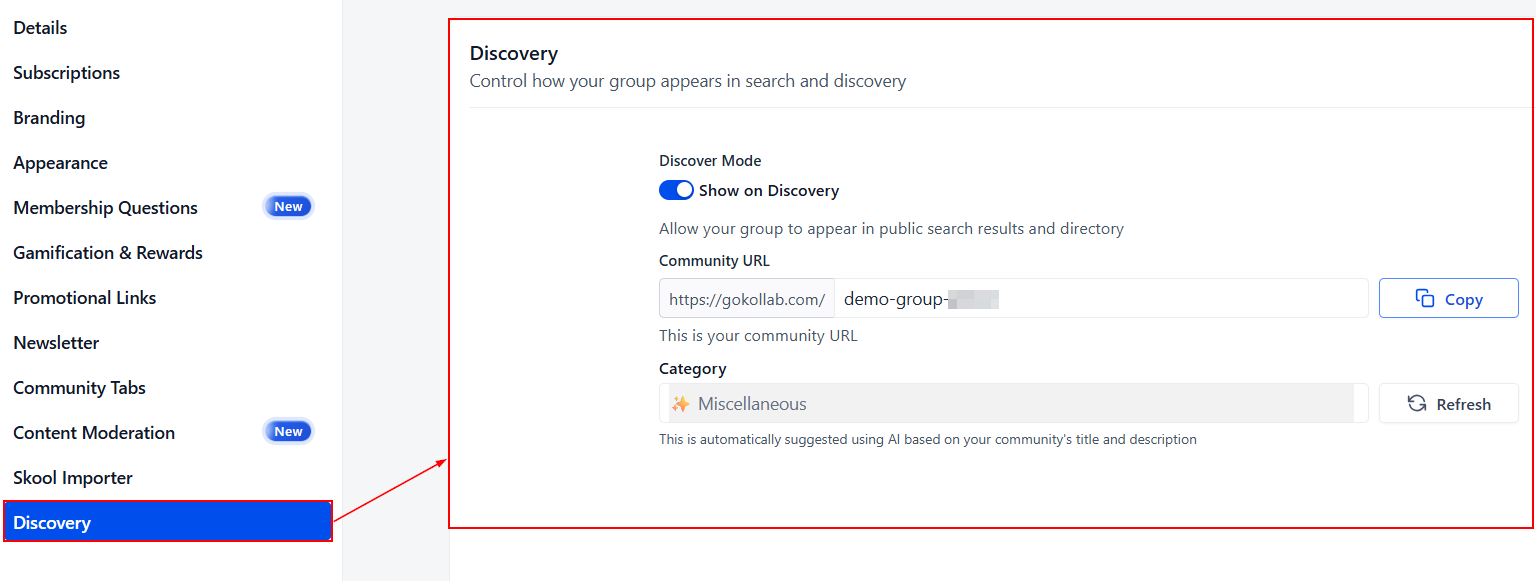
Discovery
Here, you can enable and set your group's sharing details to gain members in GoKollab.
Now that you have the basics down, get to exploring and customizing your Community Groups, tailoring them to your needs. If you need additional help, please read the other articles in this category, as they will guide you through more specific actions. We hope this helps!