
How to Add Elements To Your Dashboard
The first thing you see when you log into your account is the Dashboard; this helps you have a quick overview of how everything is going, from checking if there are pending tasks to how your contacts are moving inside the system. But it can feel impersonal or confusing for your team; adding a few elements to your dashboard takes its organization, style, and clarity to another level.
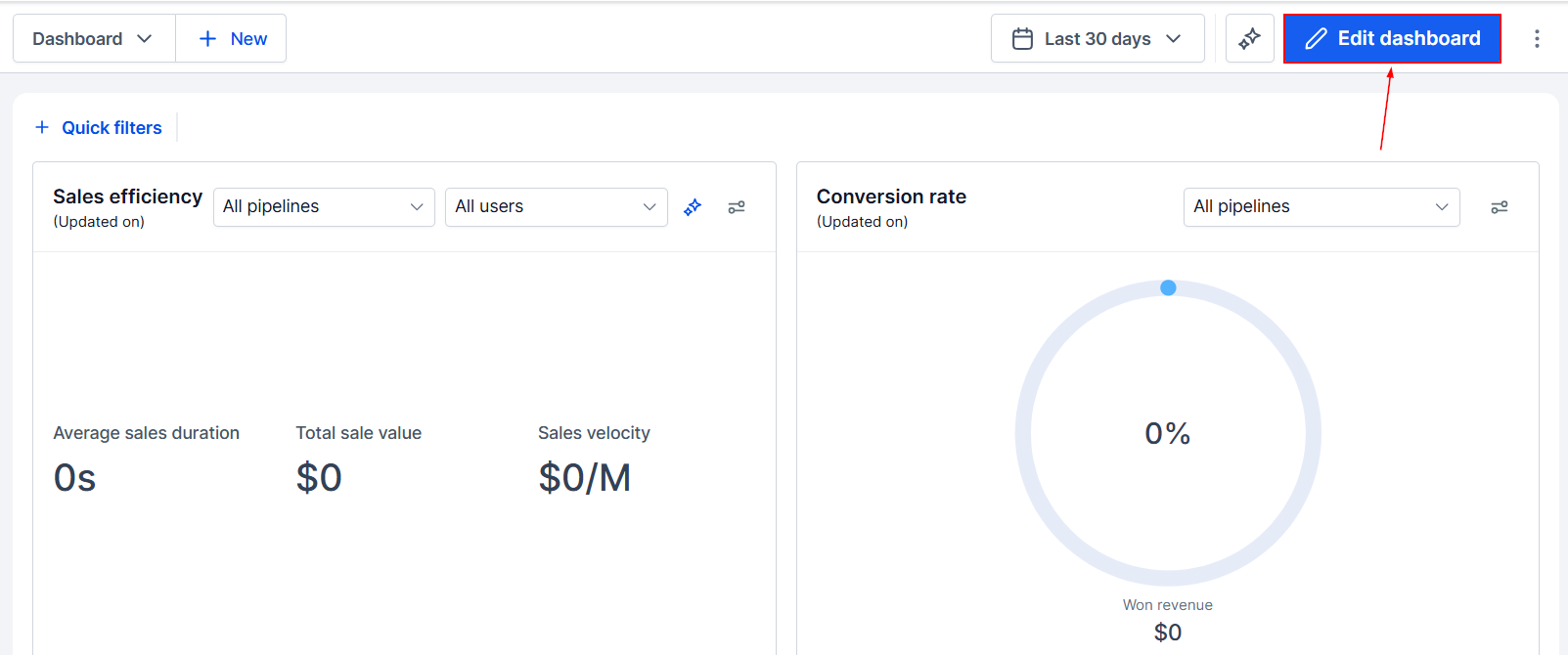
To modify your Dashboard, enter the Edit mode by clicking the icon.
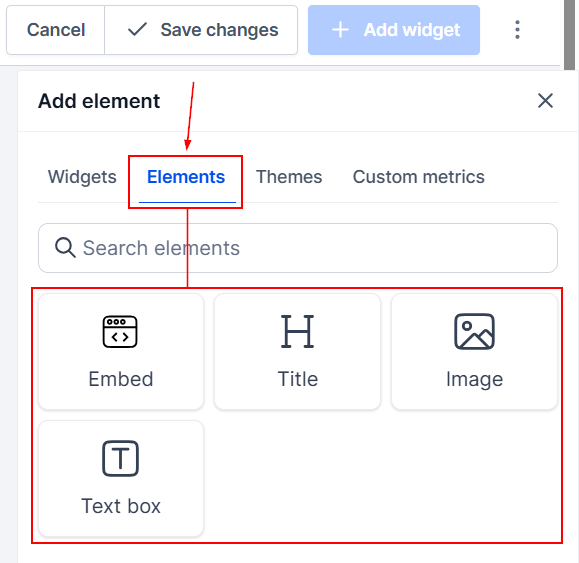
Then, switch to the Elements tab. There, you can choose from Titles, Textboxes, Embedded elements, or Images.
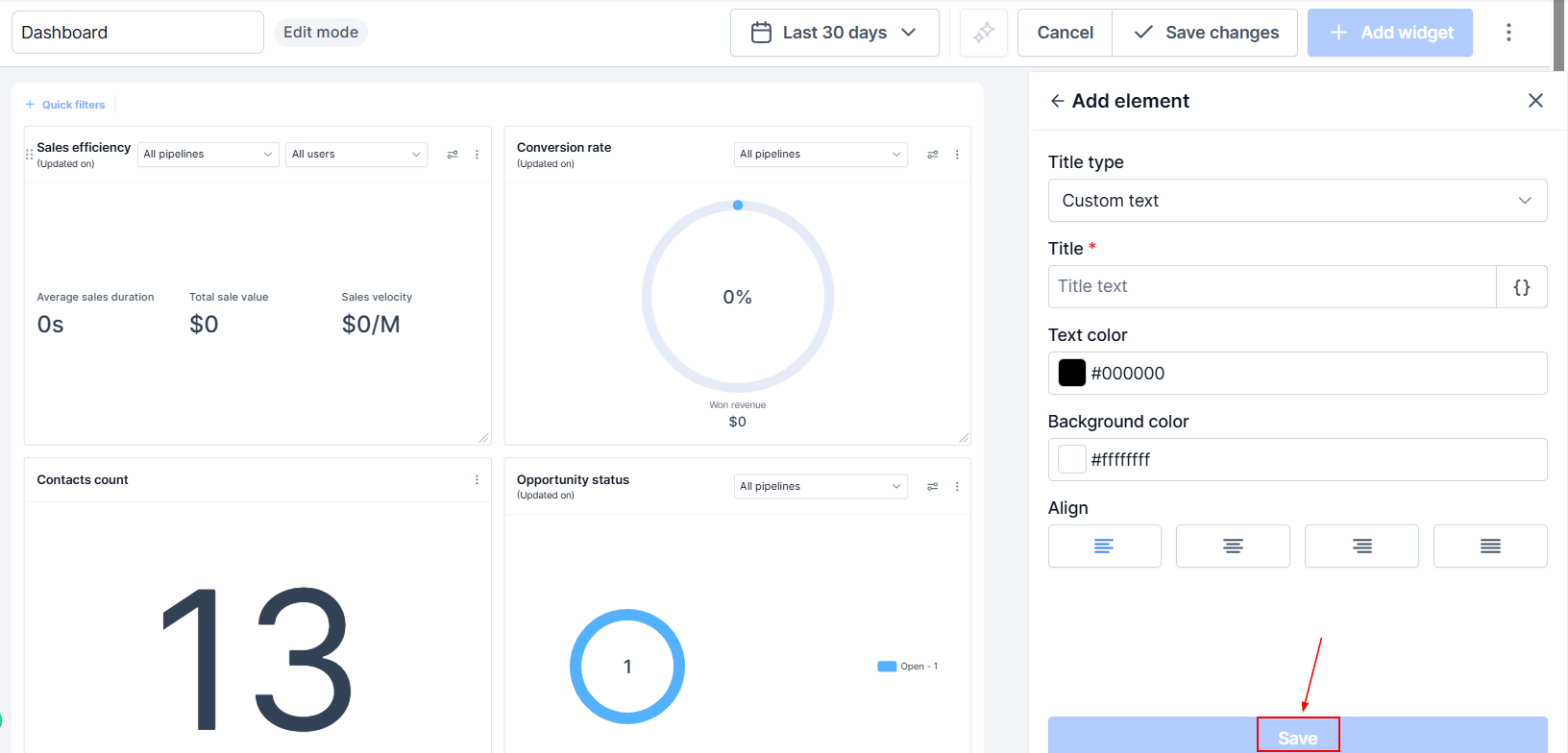
Once selected, configure the element to suit your needs. Save your changes once you're done by clicking the Save button.
And that's all there is to it. Now you have the basics covered for adding elements. If you want to learn more about each element and truly become an expert, please check our article library.