
Voice AI - Agent List Overview
AI Voice Agents are transforming how businesses interact with customers by automating voice-based communication. These agents leverage advanced natural language processing to handle inbound calls, execute actions, and provide seamless support. This guide gives you an overview of managing AI Voice Agents for your business.
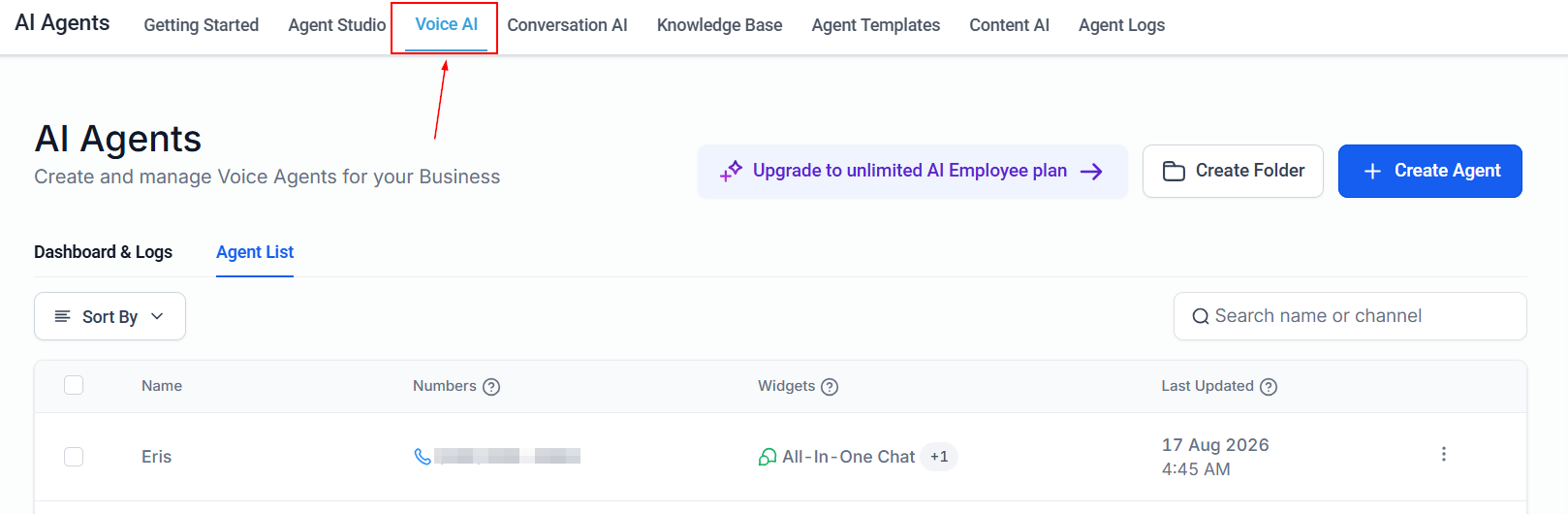
To begin setting up your AI Voice Agent, navigate to AI Agents > Voice AI.
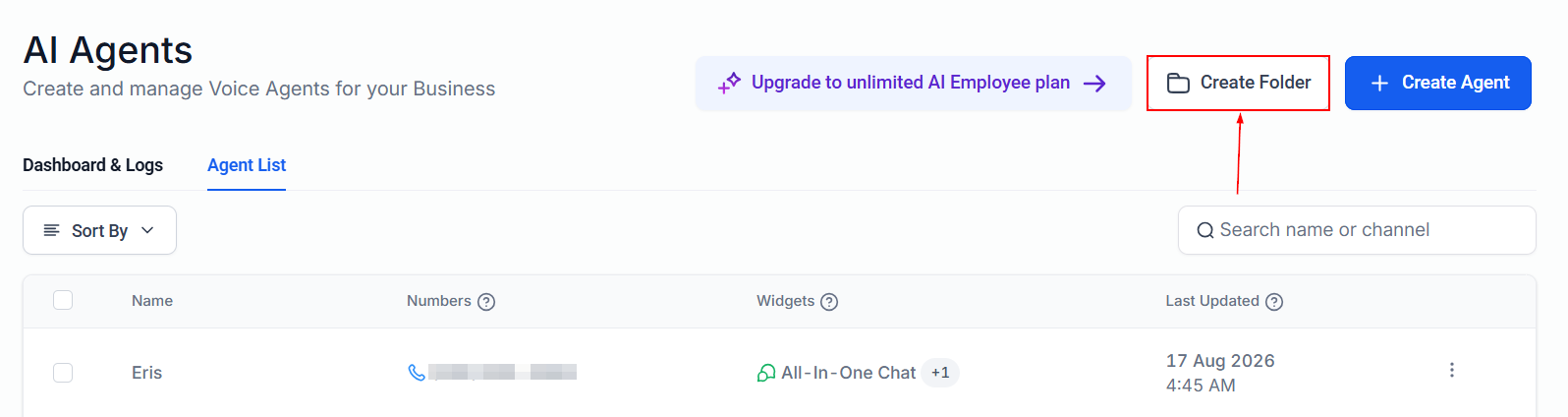
Create Folder
Click the “Create Folder” button to group agents into sections.
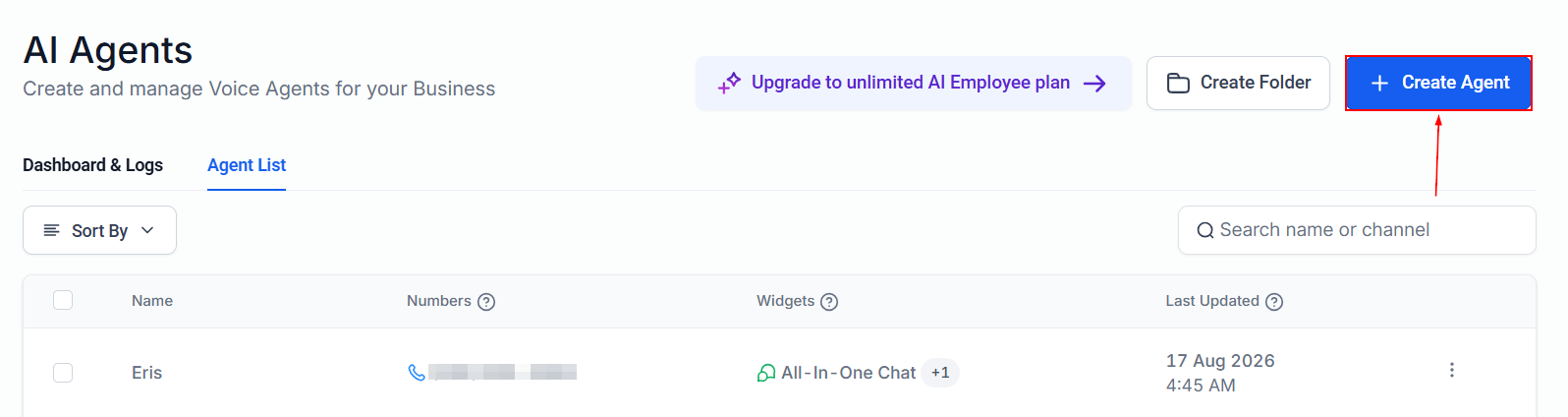
Create Agent
Click the “+Create Agent” button to set up a new Voice AI Agent tailored to your business needs.
Agent List
Search Agent
In the Agent List, you can use the search bar to quickly find a specific agent by typing its name.

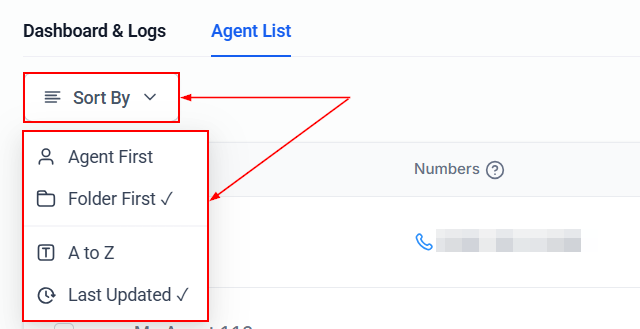
Sort By
Select the Sort By dropdown to organize agents by name or folder, with options for alphabetical or chronological sorting.
AI Agents Cards
Each AI Agent is displayed in a card format containing the following information:
- Name: The name assigned to the agent for easy identification.
- Numbers: Lists the phone numbers associated with the agent.
- Widgets: Lists the chat widgets connected to the agent.
- Last Updated: Displays the most recent update or modification date.

Action Menu
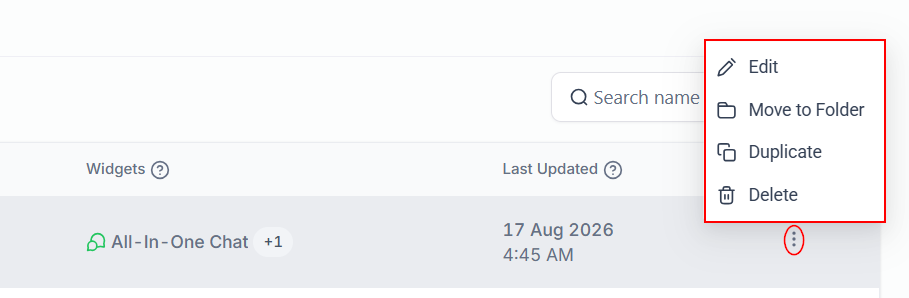
Access additional management options by clicking the three-dotted button on an agent's card. This menu allows you to:
- Edit agent settings
- Move the agent to another folder
- Clone the agent
- Delete the agent
Bulk Actions Menu
To move multiple agents to another folder, or delete them, use the selector next to the agent name.

AI Voice Agents are a game-changer for businesses aiming to enhance efficiency and improve customer communication. With their ability to handle calls, update records, and integrate seamlessly into workflows, these agents save time and provide a professional, human-like interaction.
Frequently Asked Questions
Q: Can I assign my existing phone numbers to the AI Voice Agent?
Yes, you can assign any available phone number as long as it’s not being used for other specific functions.
Q: Does the AI Voice Agent create or update customer contact records?
Absolutely. The agent collects information such as names, emails, and addresses, updating or creating records automatically in your system.
Q: How do I update the AI Voice Agent’s knowledge?
You can update the agent’s knowledge by modifying prompts or business details in the configuration settings.
Q: Can the AI Voice Agent transfer calls to live agents?
Yes, agents can be set to transfer calls to a live representative under specific conditions.