
How to Generate Reschedule Links from Appointments
A
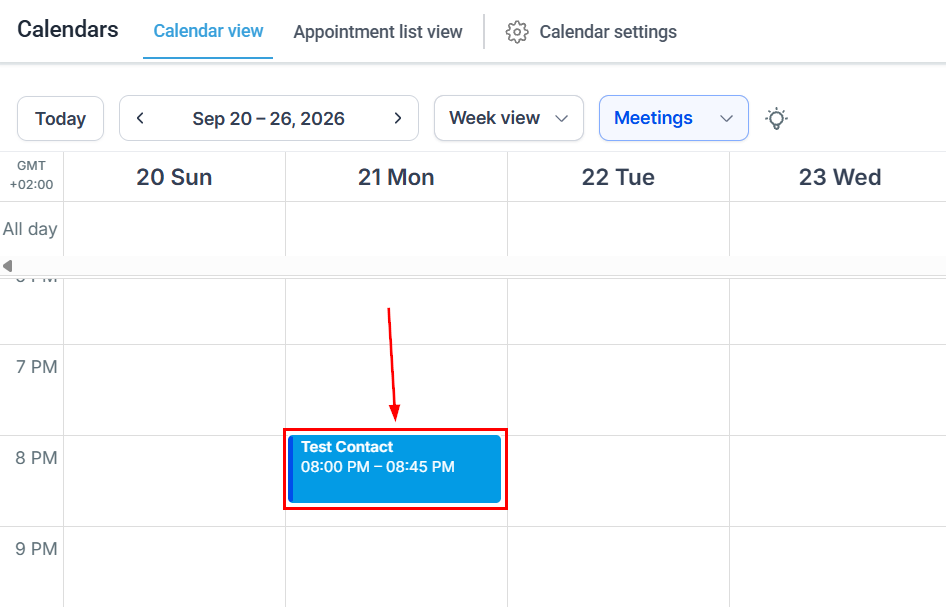
Go to the Calendar View in the Calendar section and click the desired appointment.
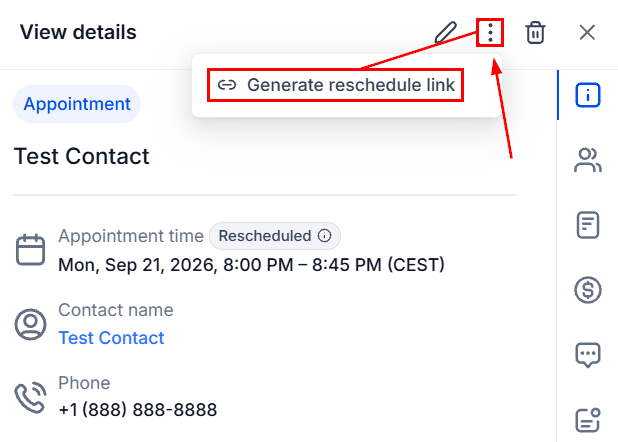
Click the Appointment Actions icon and select Generate Reschedule Link.
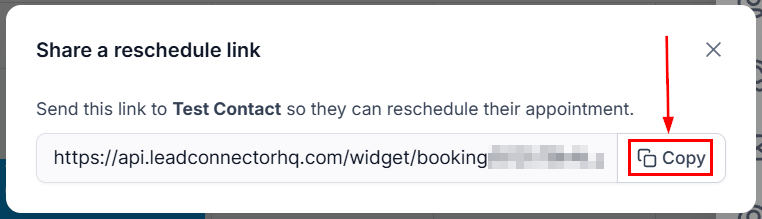
Once the link is generated, click Copy next to it.
Share the link with your customer as you see fit. The customer can use the link to open the rescheduling flow and choose a new time, removing unnecessary back-and-forth without adding work to the attendees. We hope you enjoy it!
Still stuck? Contact our team on live chat or video, or browse the training videos.