
Document Management
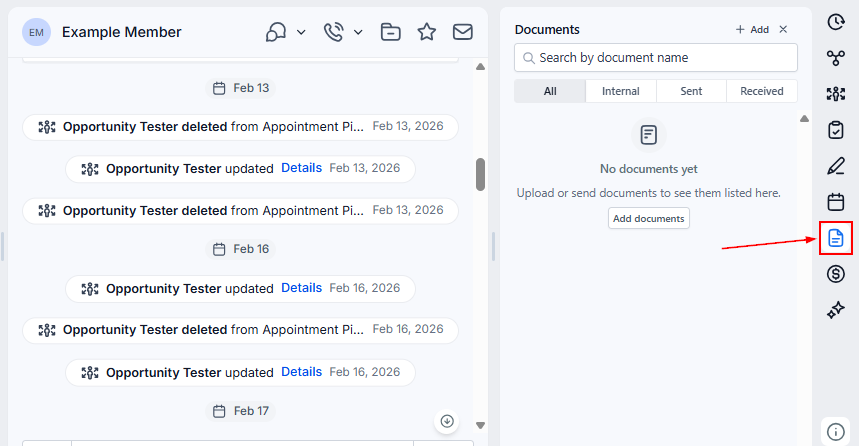
Efficiently managing and sharing documents has never been easier. Our document management system is tailored to simplify all your business’s document-related tasks. You can seamlessly access all documents associated with a contact directly from the "Documents" section within their Contact card.
Searching for Documents
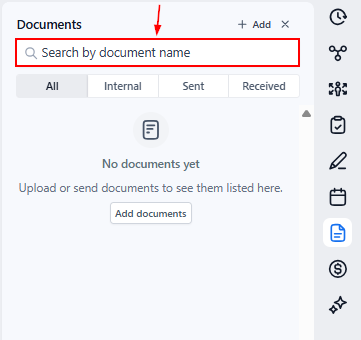
Locating documents associated with your contacts is effortless. You can easily search for documents by their title, allowing you to quickly find the specific files you need.
Adding Documents to Your Contacts
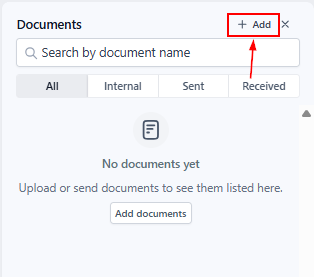
Adding new documents to the internal section is straightforward. Just click on “+Add.”
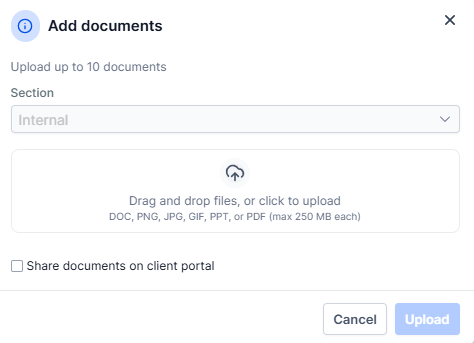
You can upload a variety of document types, including PowerPoint presentations (PPT), Word documents (Docs), PDFs, CSV files, and various image formats. Each document can be up to 250MB in size, accommodating a broad range of file types and sizes, and can be shared via the client portal by checking the box.
Documents are grouped into three main categories:
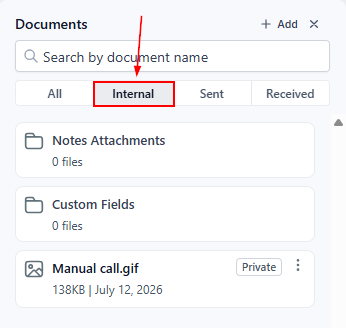
Internal Documents
When you add documents to a custom field, they are placed in a folder called "Custom Fields" in the "Internal" section. These are documents related to your contacts and are stored within the CRM on the Contact details page. Users with access to the contact can view these documents.
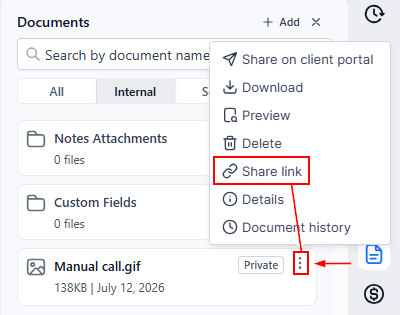
Besides sharing a document via the client portal, you can click the three dots next to it and choose the option to generate a share link.
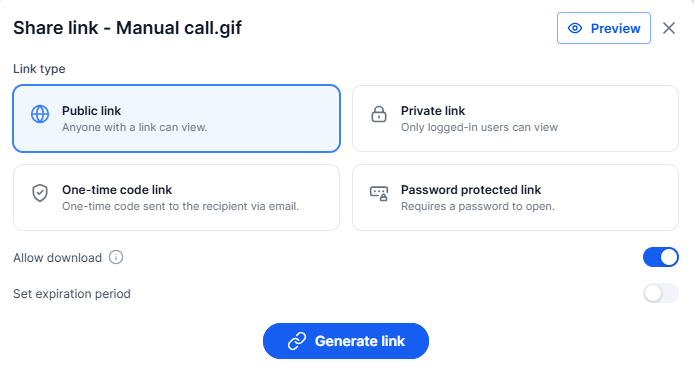
Document privacy settings let you control how shared documents can be accessed by configuring options such as password protection, expiration dates, download permissions, and one-time access codes.
This feature also includes access logs and sharing details to help track document activity and manage shared links more effectively.
After generating the link, you can send it using the contact’s preferred communication channel.
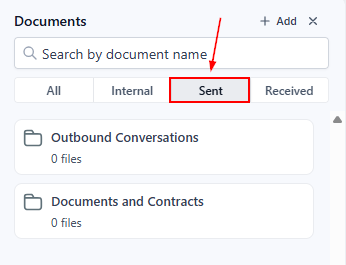
Sent to Contact
This section allows you to organize, track, and maintain records of all the documents you've shared, ensuring you have complete visibility and control over your communications. Whether it's contracts, proposals, or important correspondence, you can efficiently manage and retrieve any document sent to your contacts, all from one centralized location.
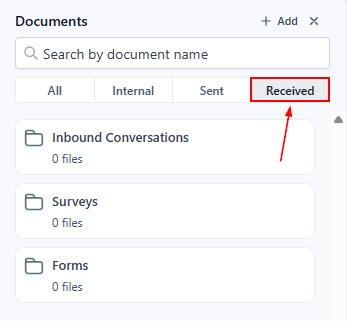
Received from Contact
Access documents submitted by your contacts through forms and surveys with ease. This area ensures that you can efficiently track and review all documents received, maintaining a comprehensive and organized record of all submissions.
Whether you're managing internal documents, tracking communications, or reviewing submissions from forms and surveys, our system provides a centralized and organized solution to enhance your productivity and efficiency.