
How to Use Ask AI for Ad Manager
Managing online advertising can involve a lot of moving parts. From creating campaigns and defining audiences to selecting creative assets and reviewing performance, even routine tasks can require navigating through multiple settings and screens.
Ask AI for Ad Manager provides a more conversational way to handle these tasks. Instead of manually searching through different sections of your advertising platform, you can describe what you want to accomplish and let Ask AI guide you through the process.
How to Use Ask AI for Ad Manager
Start With a Natural-Language Request
Using Ask AI starts with simply telling it what you want to accomplish. Describe your goal in ordinary language, such as creating a lead-generation campaign, checking the performance of your current campaigns, or finding an audience to use for a new campaign.
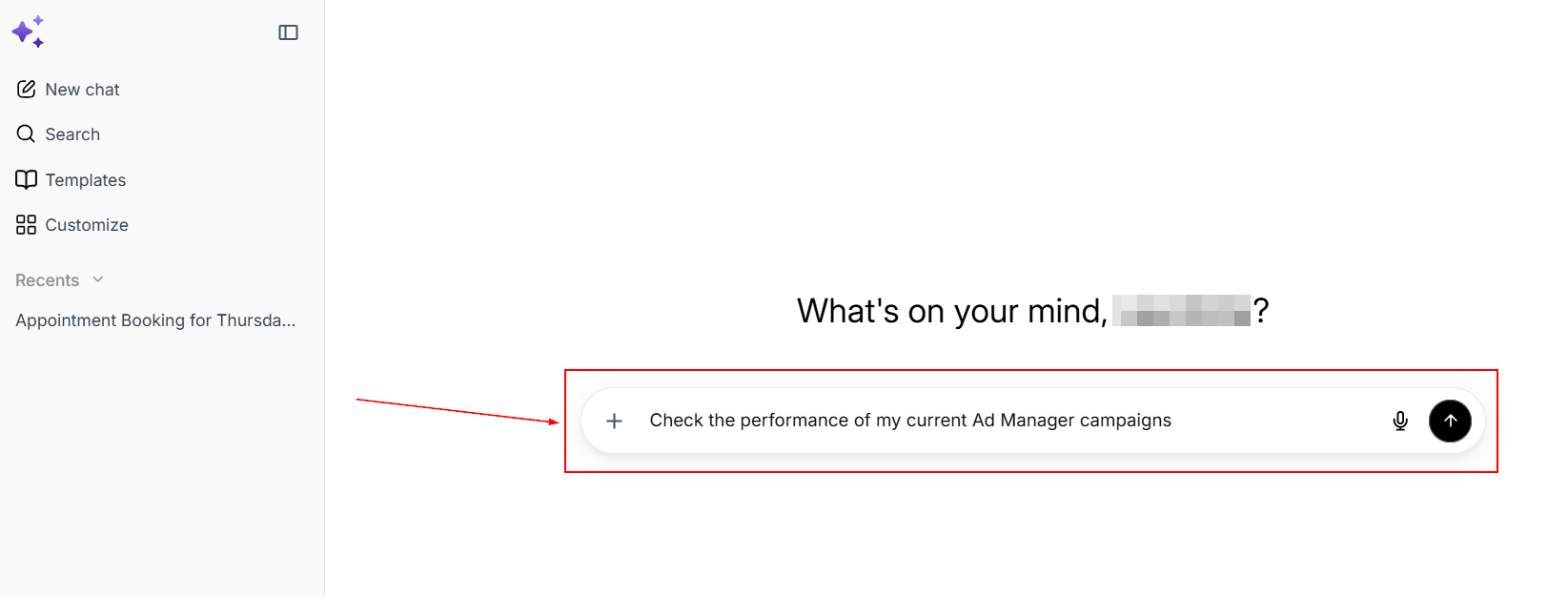
Ask AI interprets your request and determines what information is needed. If something is missing, it asks follow-up questions so that the requested task can be configured correctly.
For example, when creating a campaign, you may need to provide details such as the campaign objective, budget, audience, location, language, schedule, bidding strategy, conversion goal, or creative assets. You don't necessarily need to provide everything in your first message. Ask AI can collect the required information throughout the conversation.
Create a New Campaign
Ask AI can help you create supported advertising campaigns for Meta and Google. If you haven't connected your advertising account yet, Ask AI can guide you through the connection and authorization process.
For Meta, supported campaign objectives include lead generation, website traffic, engagement, and sales. For Google Ads, supported campaign types include Search and Demand Gen.
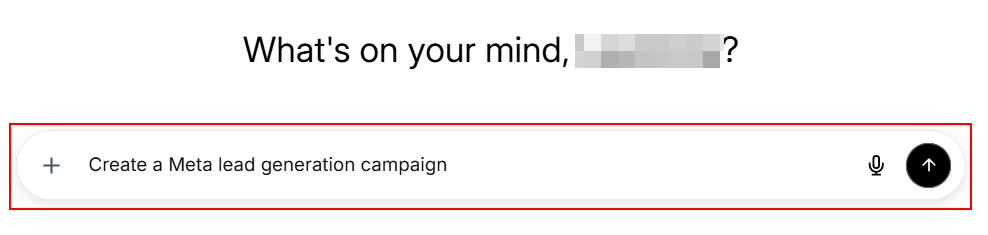
To create a campaign, describe the type of campaign you want and provide any information you already know. Ask AI will guide you through the remaining configuration and request any details it still needs.
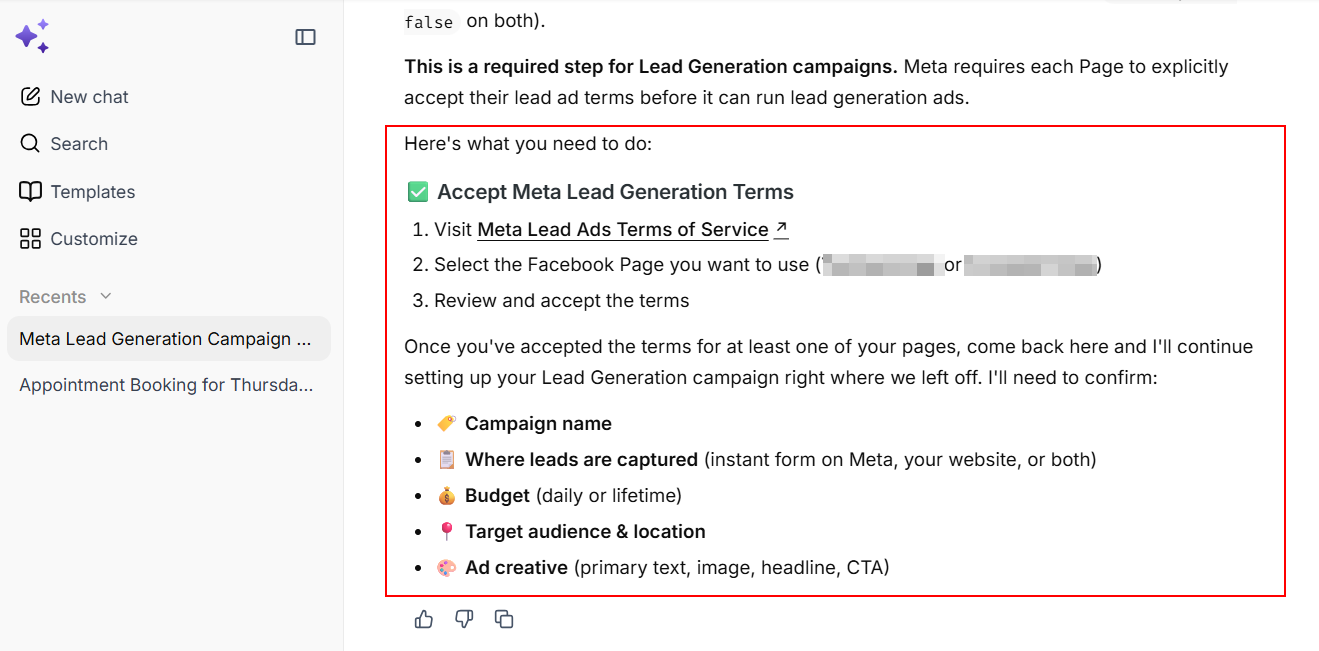
Once the campaign has been configured, Ask AI presents the proposed setup for your review.
Campaigns created through Ask AI are saved as drafts first. They aren't automatically published without your approval. This allows you to review the setup and make sure the campaign reflects your goals before it goes live.
Manage Existing Campaigns
Ask AI can also help you manage campaigns that have already been created. You can pause or resume campaigns, clone campaigns, modify settings, and delete campaigns.
For example, instead of navigating through your advertising dashboard to locate a particular campaign, you could ask Ask AI to find it for you and then request the change you want to make.
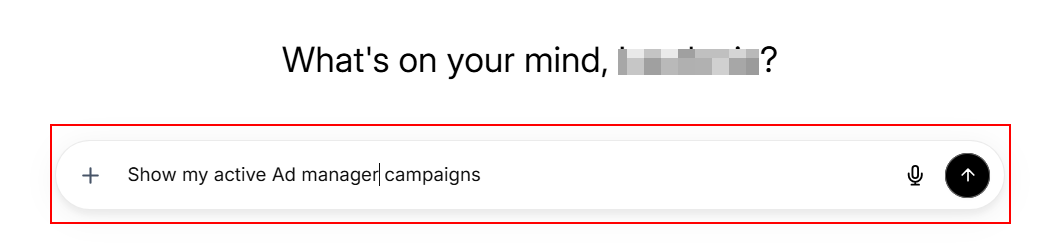
Important actions still require appropriate confirmation. This is particularly important for potentially destructive actions, such as deleting a campaign.
Create and Manage Audiences
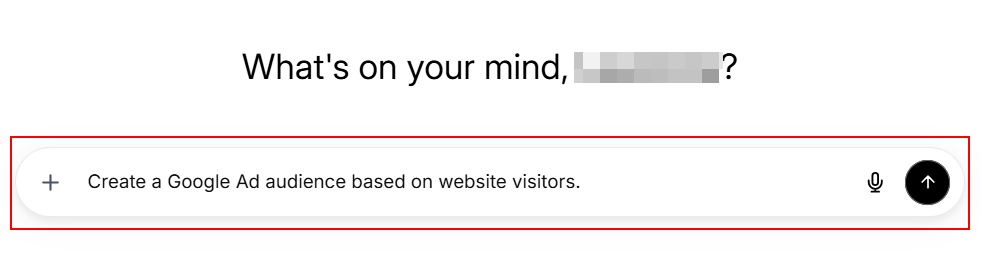
Audience management is another area where Ask AI can simplify the advertising workflow.
Rather than manually searching through available audience resources, you can describe the audience you want to use. Ask AI can help identify the appropriate resource and incorporate it into the relevant campaign setup.
Analyze Campaign Performance
Ask AI can also be used to understand how your campaigns are performing.
You can ask for performance information at different levels, including campaigns, ad groups, ad sets, individual ads, and keywords. You can also specify the period you want to analyze, such as the previous seven days, the current month, the last 30 days, or a custom date range.
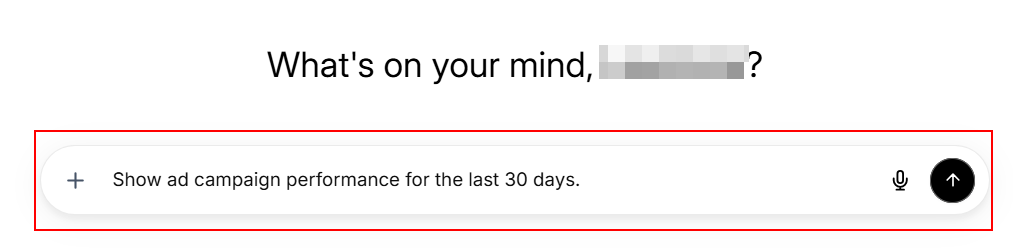
Depending on the request, Ask AI can provide information about metrics such as impressions, clicks, conversions, and costs. It can also help visualize performance trends over time.
Stay Within Your Account Permissions
Ask AI works within the permissions and access available to your advertising accounts. It doesn't bypass existing access controls or platform requirements.
If an action isn't supported, Ask AI can direct you to the appropriate advertising interface to complete it manually.
Certain campaign types also have additional requirements. For example, campaigns involving Meta's Special Ad Categories, including areas such as housing, employment, credit, and social issues, must comply with the applicable targeting and campaign rules.
Ask AI for Ad Manager provides a simpler way to manage advertising through natural-language conversations. Instead of manually navigating through multiple settings and resources, you can explain what you want to accomplish and let Ask AI guide you through the necessary steps, giving you more room to prioritize what matters most.