
 Lesson 1Welcome! Onboarding Account Set Up - AdministratorWelcome! In this feature learning path, you'll set up your software the right way from the very beginning. We'll walk through each step in a simple order so you can build a solid foundation without feeling overwhelmed. 5 min Video Guide
 Lesson 2Onboarding - Account BasicsLet's start with the essentials. Add your business information, upload your logo, update your profile, and configure your core account settings so everything is ready before you invite your team. 10 min Video Guide
 Lesson 3Onboarding - Phone Set UpSet up your business phone so you can make calls, send text messages, and communicate with customers from one place. You'll also complete the required verification steps to help your messages reach your customers successfully. 10 minbeginner Video Guide
 Lesson 4Onboarding - Email Set UpCreate your branded sending domain so your emails look professional and have the best chance of reaching the inbox. We'll also walk through testing your setup and building a strong sender reputation. 10 min Video Guide
 Lesson 5Onboarding - Connect Core Tools & SettingsBring your favorite business tools together in one place. Connect your website, analytics, social media accounts, and payment providers so everything works together inside your software. 10 min Video Guide
 Lesson 6Onboarding - Lead Capture Set UpCreate your first lead capture form and start collecting new contacts. You'll customize the fields, add the required consent options, and place the form on your website so leads flow directly into your CRM. 10 min Video Guide
 Lesson 7Onboarding - Your First WorkflowPut automation to work. You'll build your first workflow to notify your team, organize new leads, and automatically update contact information as submissions come in. 10 minFast track Video Guide
 Lesson 8Onboarding - Calendar Set Up (Personal)Create an online booking calendar your customers can use anytime. Set your availability, customize appointment settings, and add your calendar to your website in just a few steps. 10 min Video Guide
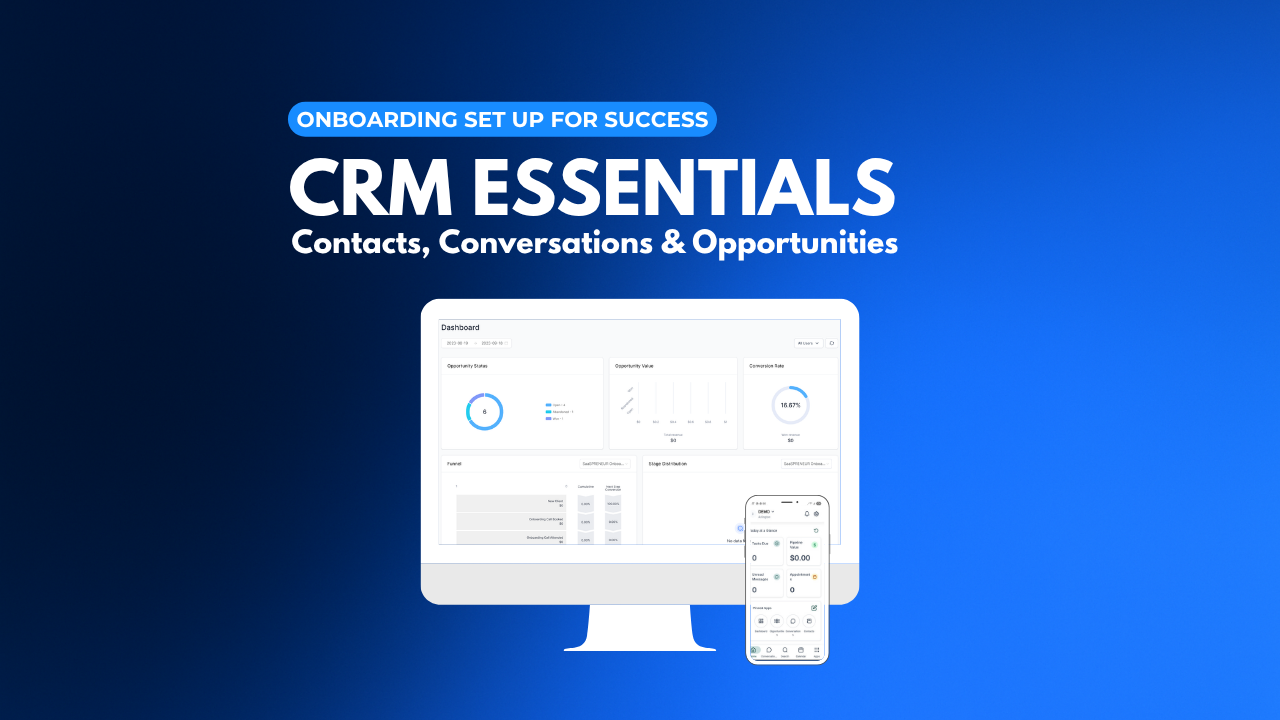 Lesson 9Onboarding - Contacts, Conversations, & OpportunitiesLearn how to manage your contacts, conversations, and sales opportunities with confidence. By the end of this lesson, you'll know where everything lives and how to stay organized each day. 10 min Video Guide
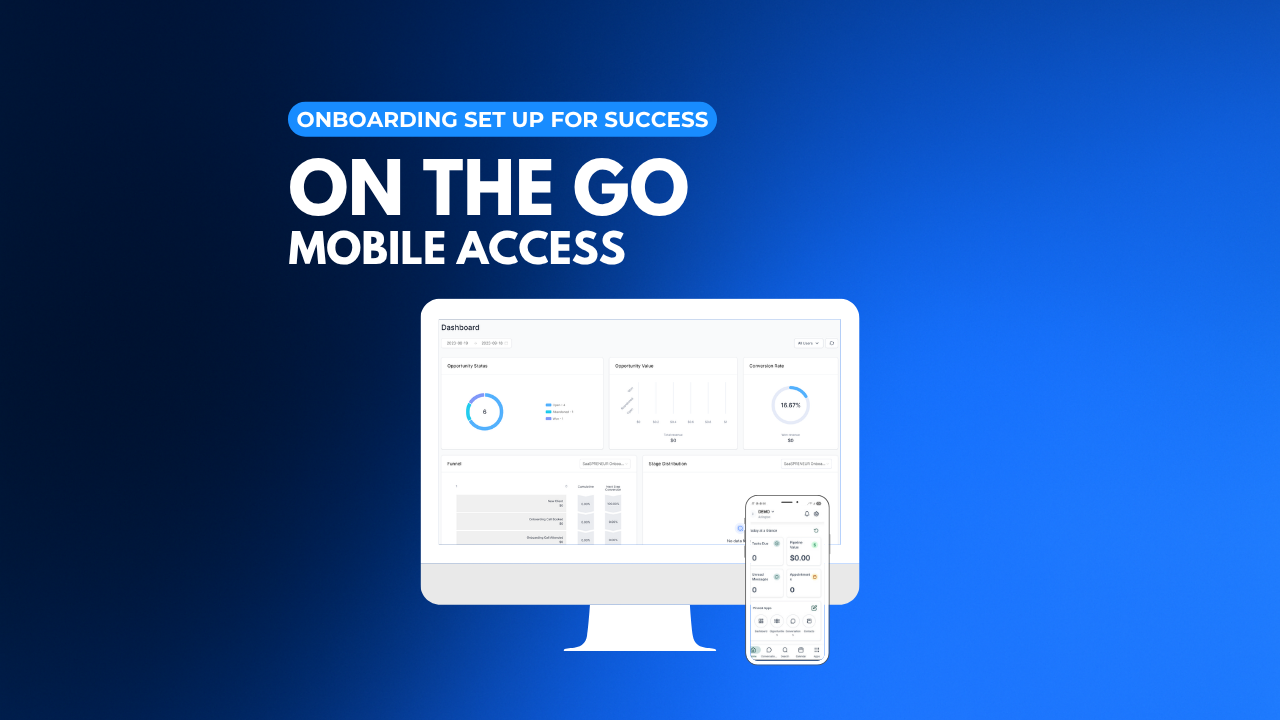 Lesson 10Onboarding - On the Go MobileTake your business with you wherever you go. Set up the mobile app, customize your dashboard, and receive important notifications so you never miss an opportunity. 10 min Video Guide
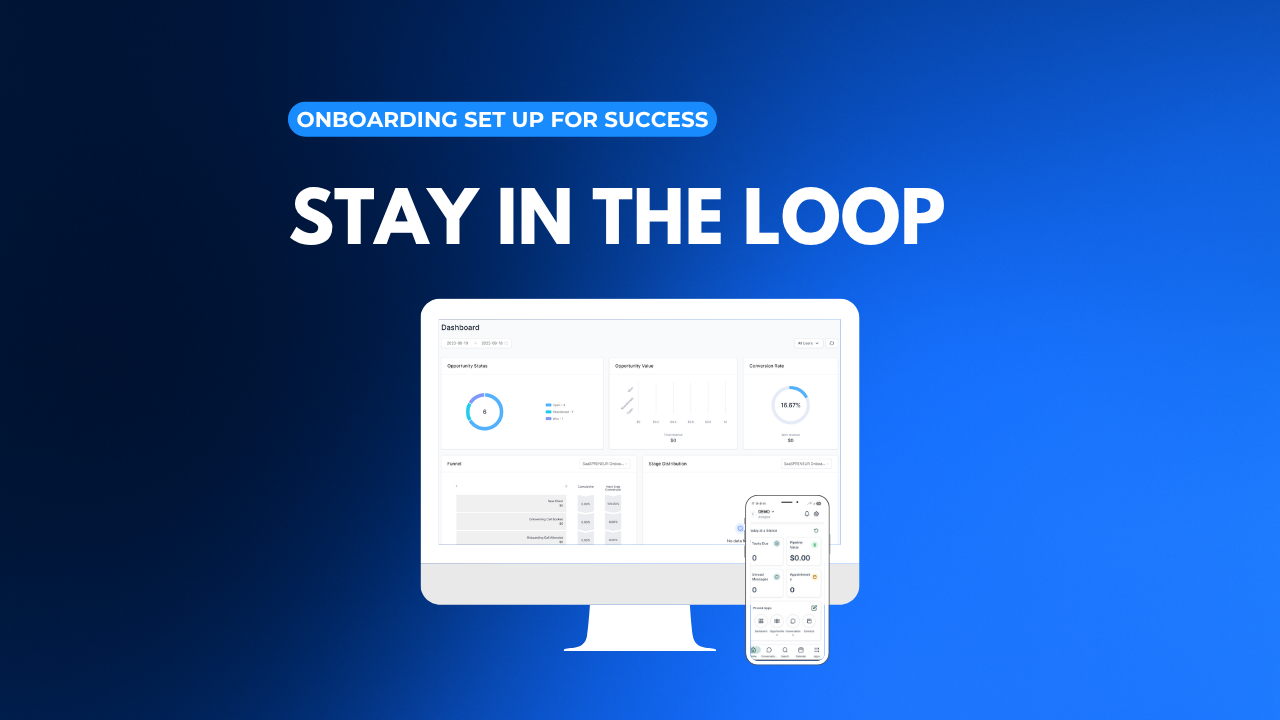 Lesson 11Onboarding - Staying in the LoopNow it's time to bring your team into the system. Add users, assign permissions, and learn how to monitor activity so everyone stays connected and productive. 10 min Video Guide
 Lesson 12Onboarding - Wrap-UpCongratulations! Your software is ready to support your business. Keep using what you've learned every day, and when you're ready, continue building your skills with additional feature courses. 10 min Video Guide
Start here
The five stages
Features by category
Every plan includes the whole platform, with unlimited users and contacts.
See all featuresHome & trades
Health, beauty & fitness
Professional & financial
Coaching & hospitality
Don't see your industry? It still fits.
Browse all industriesStart here
Questions? Our team is on live chat and Zoom.
Contact us