
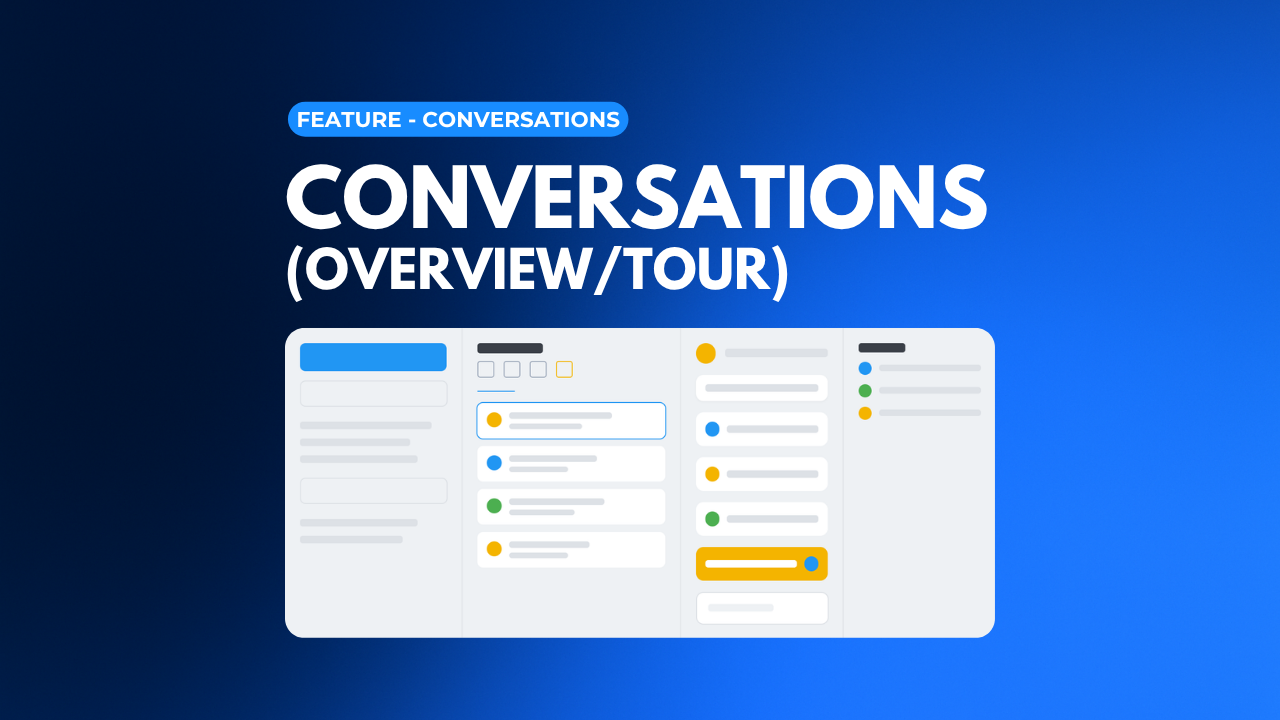
 Lesson 1Conversations (Overview/Tour)Get oriented inside your Conversations feature - your unified inbox - by mastering the four-column layout. This overview sets the foundation for everything you'll do with conversations in your CRM. 14 min Video Guide
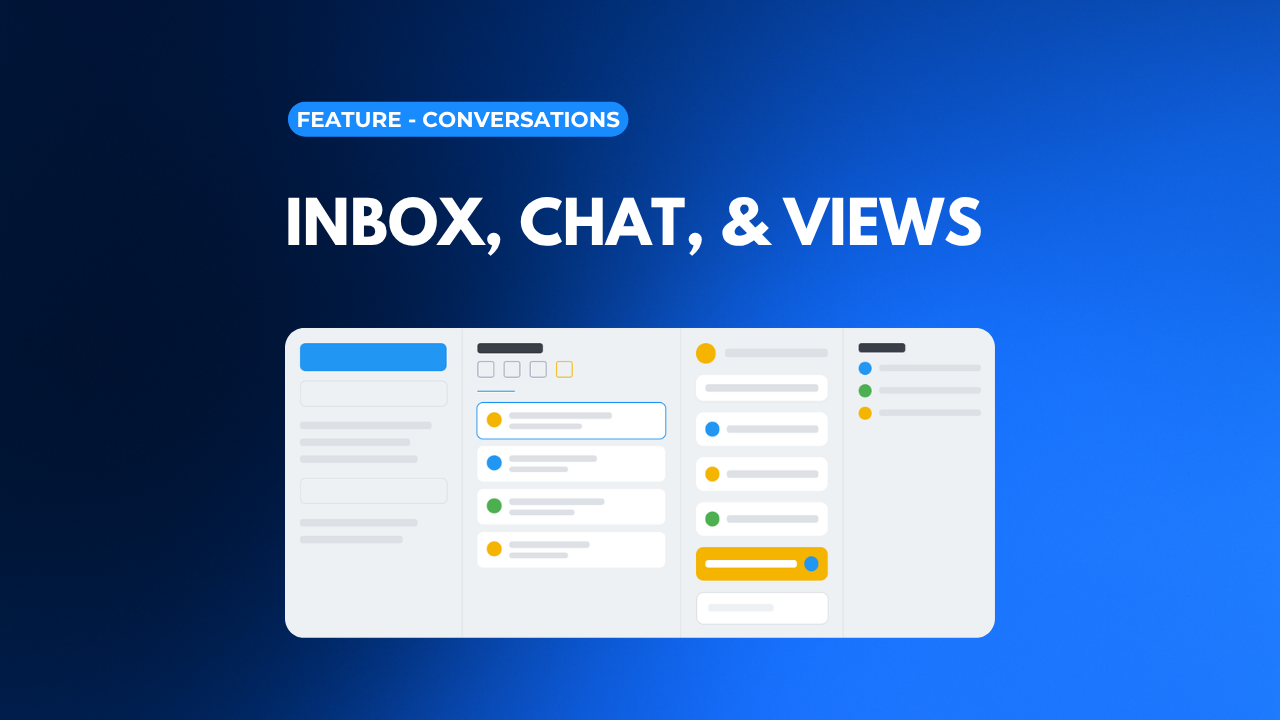 Lesson 2Inbox, Chat, & ViewsMaster Column 1 of your Conversations feature - starting new conversations, organizing My Inbox and Team Inbox, using Internal Chat with your team, and building custom Views that surface the conversations that matter most. 10 min Video Guide
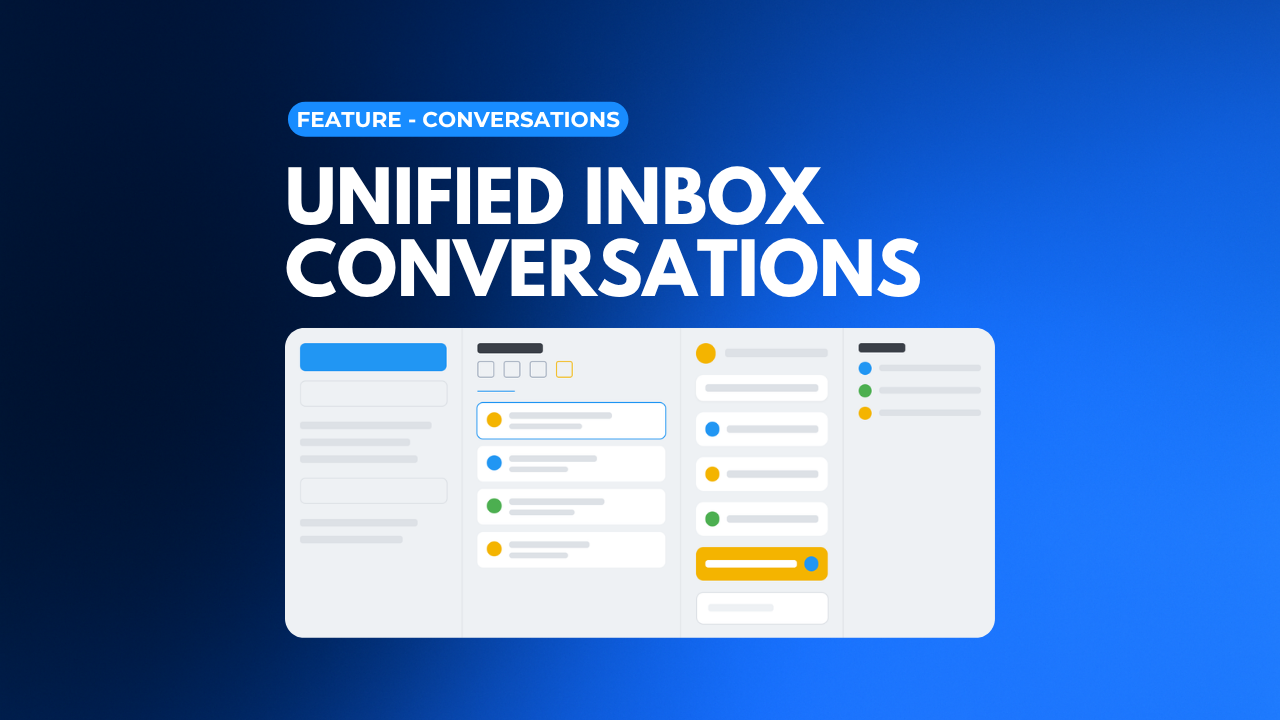 Lesson 3Unified Inbox ConversationsMaster the center column - the actual conversation. Learn to sort by channel, reply with the full composer, use snippets and trigger links, follow the workflow trail, and keep every thread organized. 14 min Video Guide
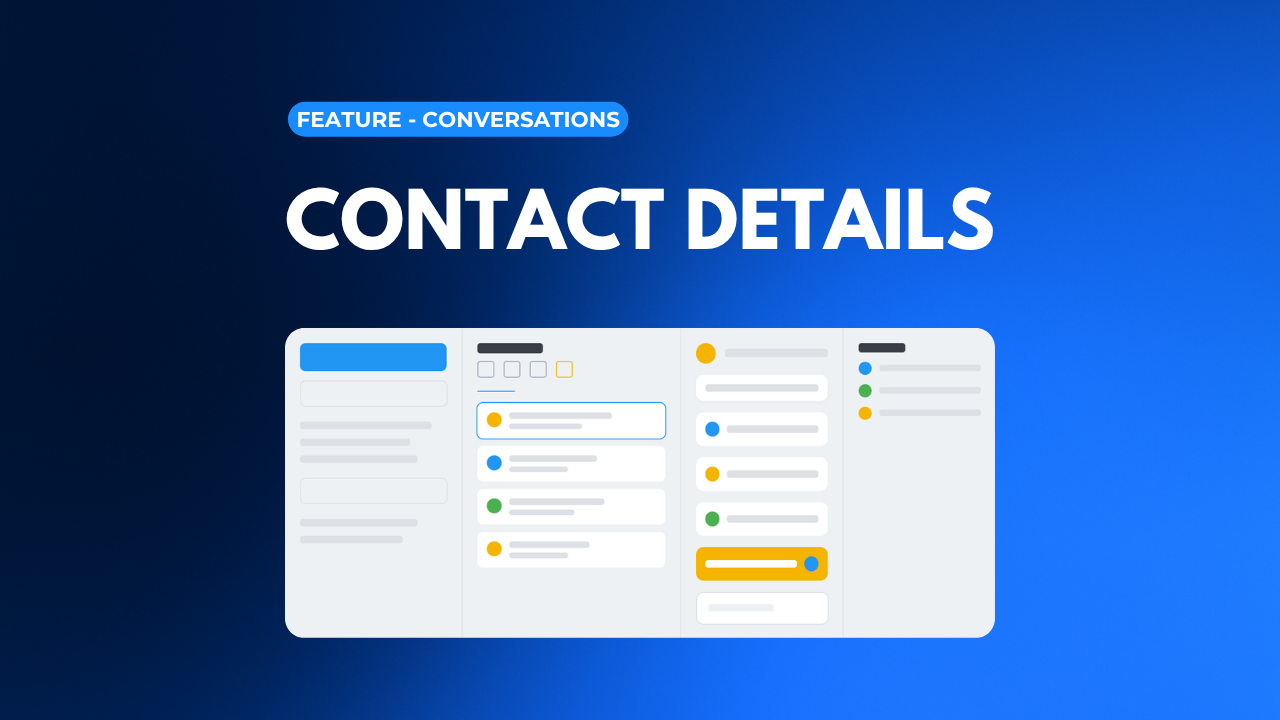 Lesson 4Contact DetailsThe fourth column: Contact Details. Manage the owner, followers, tags, fields, DND, and quick actions, and learn to toggle between a conversation and the full contact record without missing a beat. 7 min Video Guide
 Lesson 5Manual ActionsLearn how Manual Actions work - the call and SMS tasks created inside workflows that require a real person. Find them, complete them with the Let's Start queue, and set them up in your automations. 10 min Video Guide
 Lesson 6Snippets for Text & EmailSave time and stay on-brand with Snippets - reusable text and email templates. Create them, personalize with custom values, organize them in folders, and insert them anywhere you message. 12 min Video Guide
 Lesson 7Trigger LinksMaster Trigger Links - trackable links you can drop into emails and texts. Create them, build custom-value versions, add them to snippets and campaigns, fire automations from them, and read the analytics. 12 minFast track Video
 Lesson 8SLA SettingsSet response-time goals with Conversation SLAs. Learn what an SLA is, set common or channel-specific targets, read the timer colors, decide how automation and AI replies count, and filter or sort by SLA. 12 minbeginner Video Guide
Start here
The five stages
Features by category
Every plan includes the whole platform, with unlimited users and contacts.
See all featuresHome & trades
Health, beauty & fitness
Professional & financial
Coaching & hospitality
Don't see your industry? It still fits.
Browse all industriesStart here
Questions? Our team is on live chat and Zoom.
Contact us